


What Tools Are Best for Engraving Mirrors Professionally?
Mirror engraving is one of those crafts where equipment choice directly defines your results. Unlike wood or leather, you’re working with a reflective surface engraving process that demands tight control over heat, focus, and beam consistency.
If you want professional mirror engraving quality, you need the right combination of laser engraving machine, workflow, and supporting tools. In this guide, I’ll walk you through the best options—and naturally show how each tool fits into a real-world engraving setup.
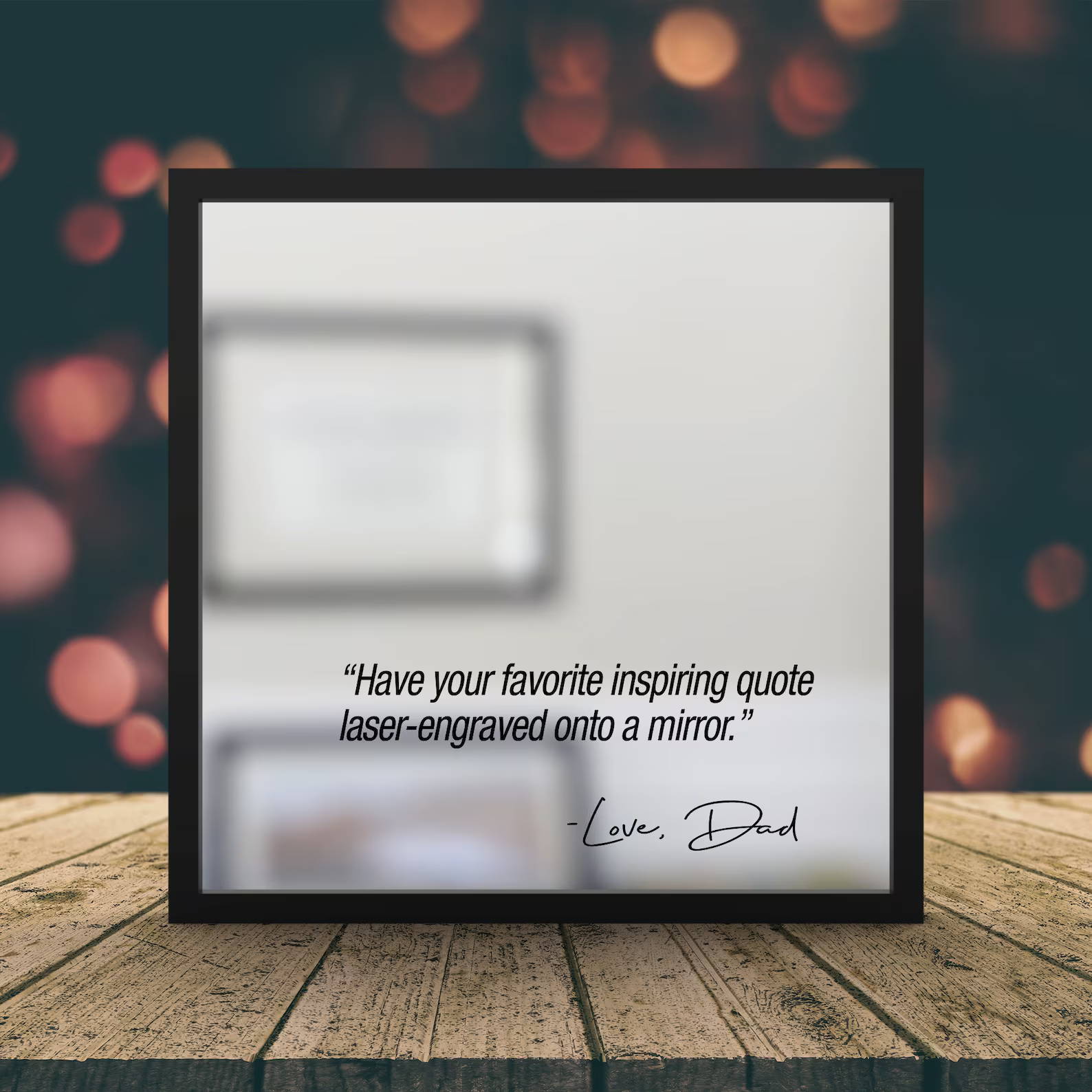
Why Mirror Engraving Requires Specialized Tools
A standard mirror isn’t just glass—it’s a layered material:
· Glass surface
· Reflective coating (silver or aluminum)
· Protective backing
That’s why laser engraving mirrors professionally usually means removing the mirror backing layer, not blasting the glass itself.
This approach gives you:
· High contrast engraving
· Clean engraving edges
· Better durability
To achieve that, you need a precision laser engraver capable of controlled laser engraving speed and power adjustments.

Diode Laser Engravers (Best Overall Choice)
For most creators and small businesses, a diode laser engraver is the sweet spot between performance and cost.
Why Diode Lasers Dominate Mirror Engraving
Modern systems like the AlgoLaser Alpha MK2 40W Laser Engraver deliver:
· Stable beam output for fine line engraving
· Enough power for consistent mirror backing removal
· Excellent control for grayscale engraving and photo detail
These machines are widely considered the best laser engravers for mirrors because they balance:
· Affordability
· Versatility across materials
· Professional engraving quality
Key Techniques with Diode Lasers
To get clean results:
· Always engrave from the backside of the mirror
· Use reverse image engraving (flip your design)
· Apply masking tape engraving method or paint coating
· Run a laser engraving test grid to dial in settings
With proper setup, you’ll achieve:
· Sharp edge engraving
· Smooth engraving finish
· Consistent engraving depth
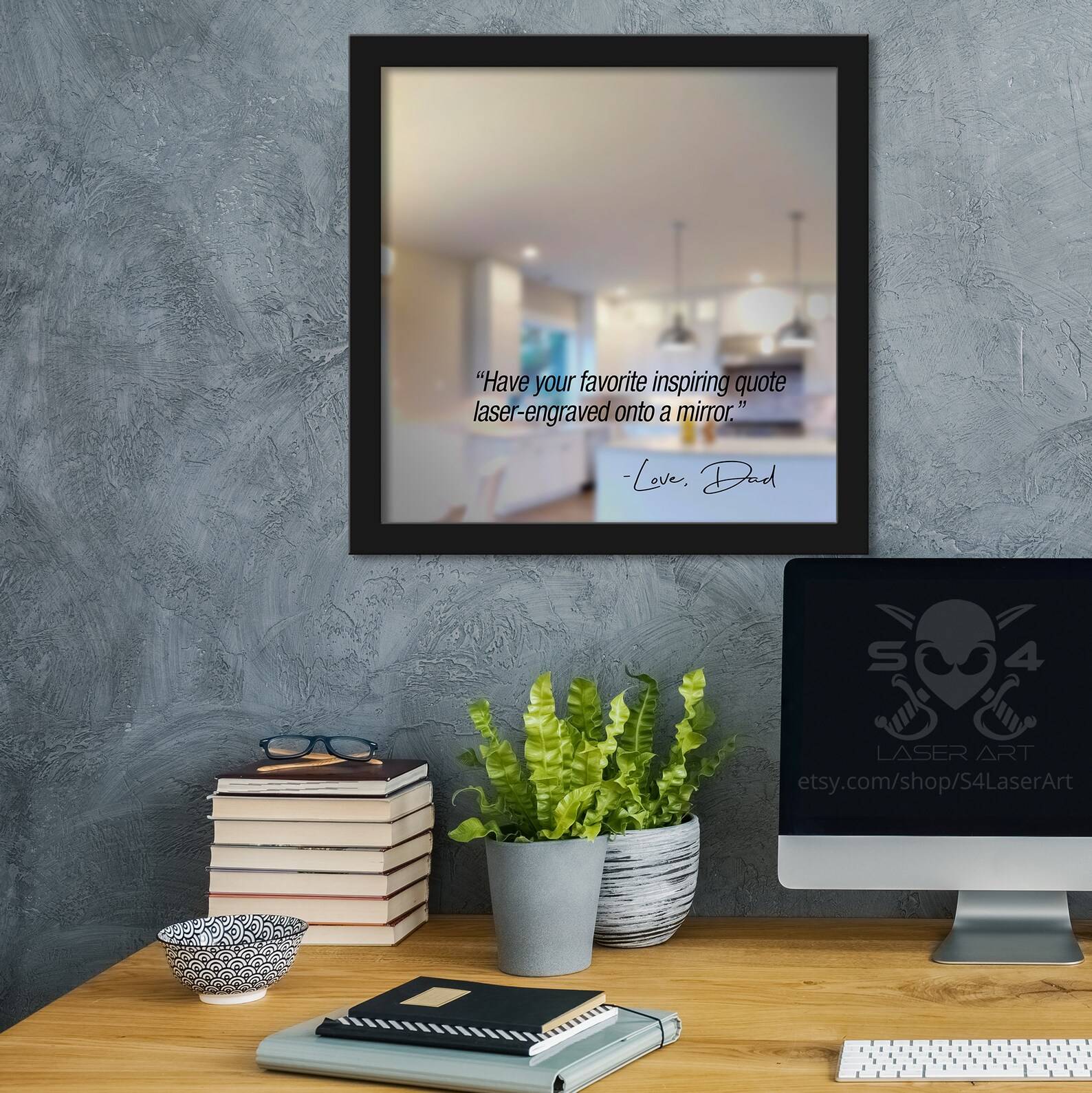
CO₂ Laser Engraving Machines (Best for Frosted Effects)
A CO2 laser engraving machine works differently—it interacts directly with the glass surface.
What You Get with CO₂ Lasers
Instead of removing the backing, CO₂ systems create:
· Frosted mirror effects
· Soft, diffused designs
· Decorative glass textures
This makes them ideal for:
· Interior design glass engraving
· Decorative wall mirror engraving
· Artistic mirror engraving
Limitations
· Lower contrast compared to backing removal
· Less suitable for photo engraving on mirror
· Higher cost and maintenance
Still, for architectural glass engraving, CO₂ machines are unmatched.
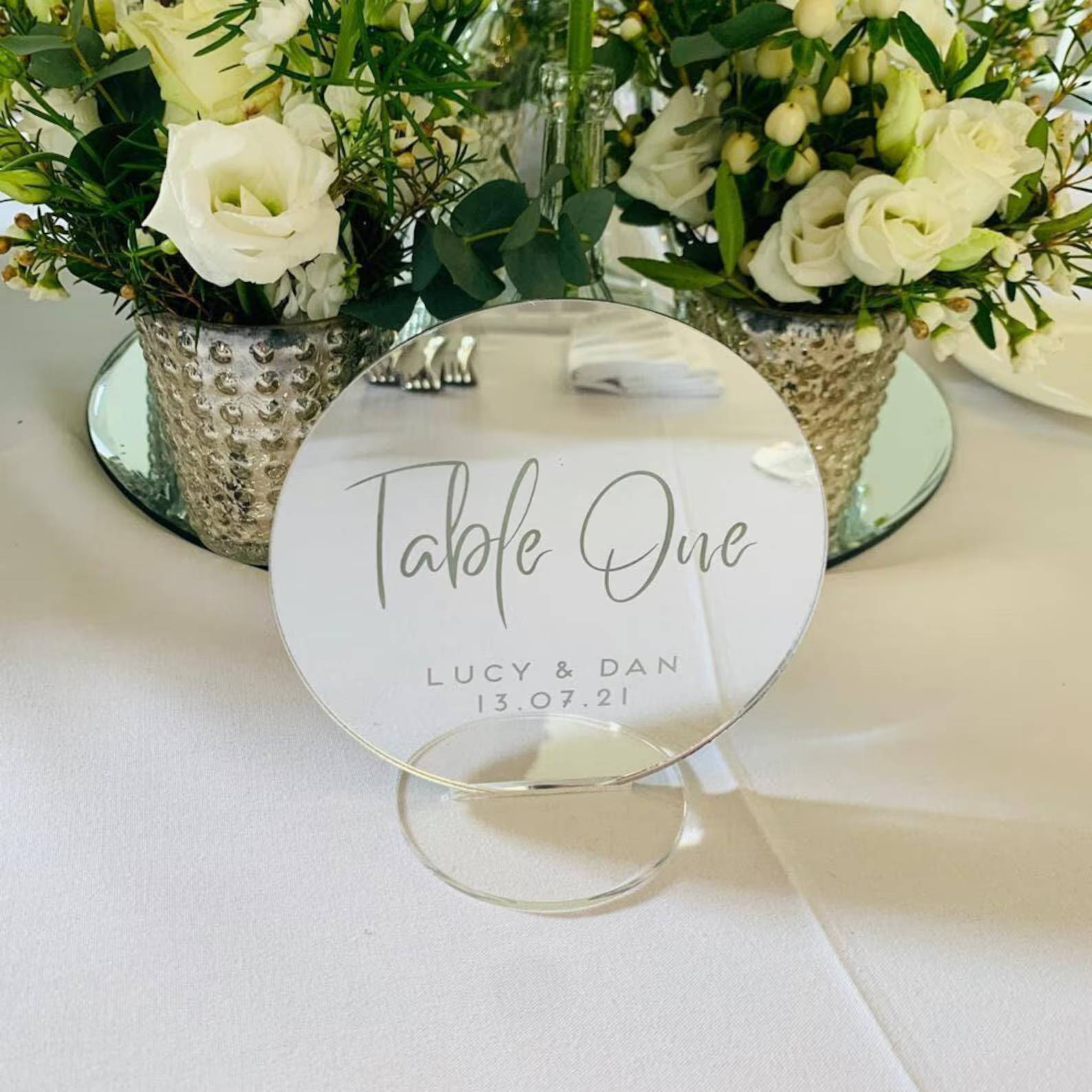
Fiber Laser Engravers (Industrial Precision)
A fiber laser engraver is typically used for metals, but it shines in specialized mirror applications.
Where Fiber Lasers Excel
· Ultra-fast high precision engraving
· Perfect for metal-coated mirrors
· Reliable for mass production workflows
Best Applications
· Business logo engraving on mirrors
· Industrial signage
· Commercial engraving operations
However, for most users, this is overkill unless you need automated engraving systems at scale.
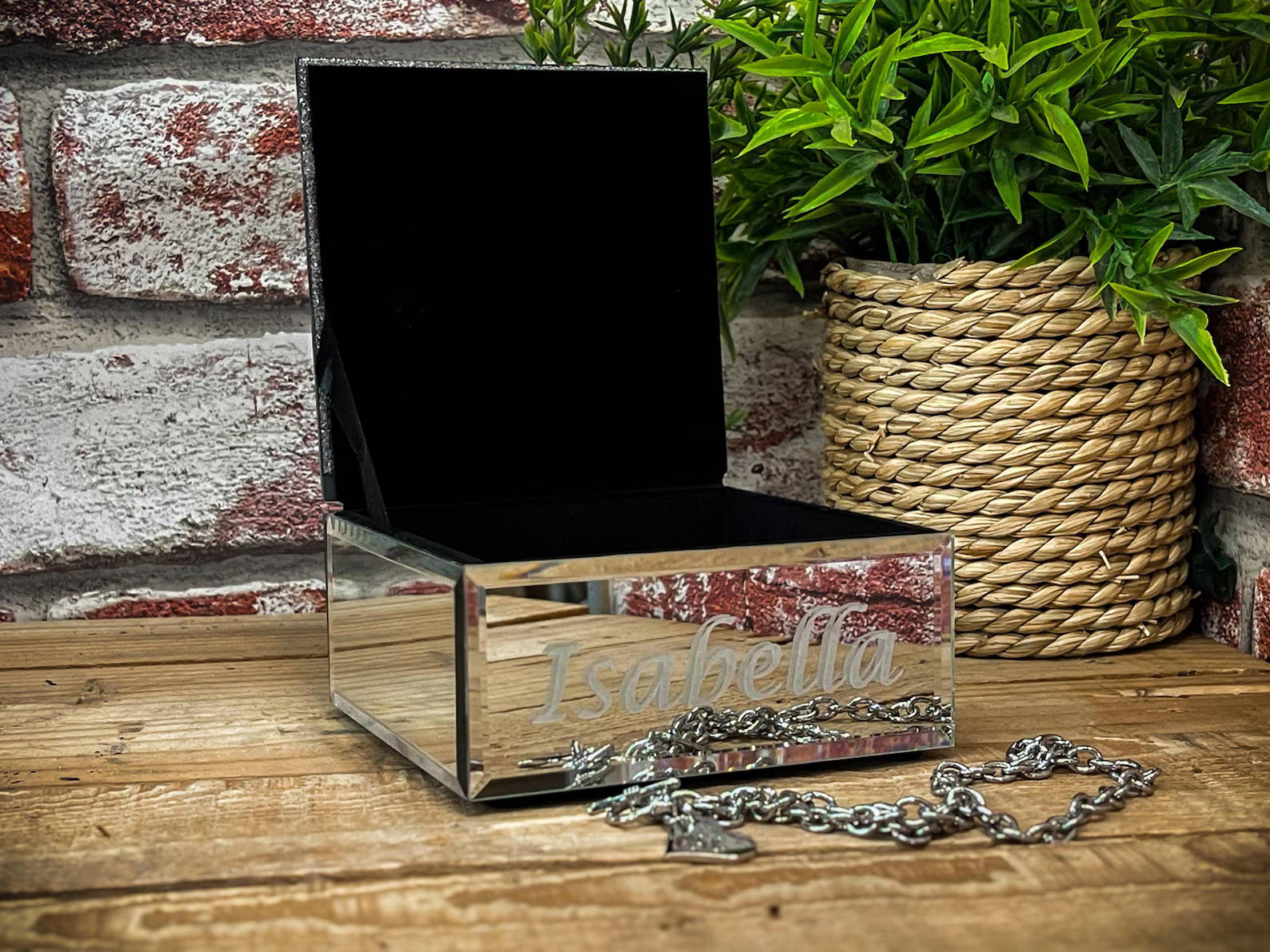
Essential Supporting Tools for Professional Results
Even the best laser engraving hardware needs the right accessories.
1. Masking & Coating Materials
· Laser masking film
· Painter’s tape
· Black tempera paint
These improve:
· Engraving contrast enhancement
· Clean engraving edges
· Burn mark reduction
2. Air Assist System
A must-have for:
· Reducing debris
· Improving clean engraving edges
· Preventing overheating glass
3. Design & Software Tools
Most professionals rely on LightBurn laser engraving software for:
· Vector engraving files
· Raster image engraving
· Image tracing for engraving
· Engraving preview function
This is where you optimize:
· Design alignment
· Engraving file optimization
· Workflow efficiency
4. Workspace Setup
A proper engraving workspace setup includes:
· Ventilation system
· Honeycomb bed
· Laser safety goggles
These ensure both precision engraving technique and safety.
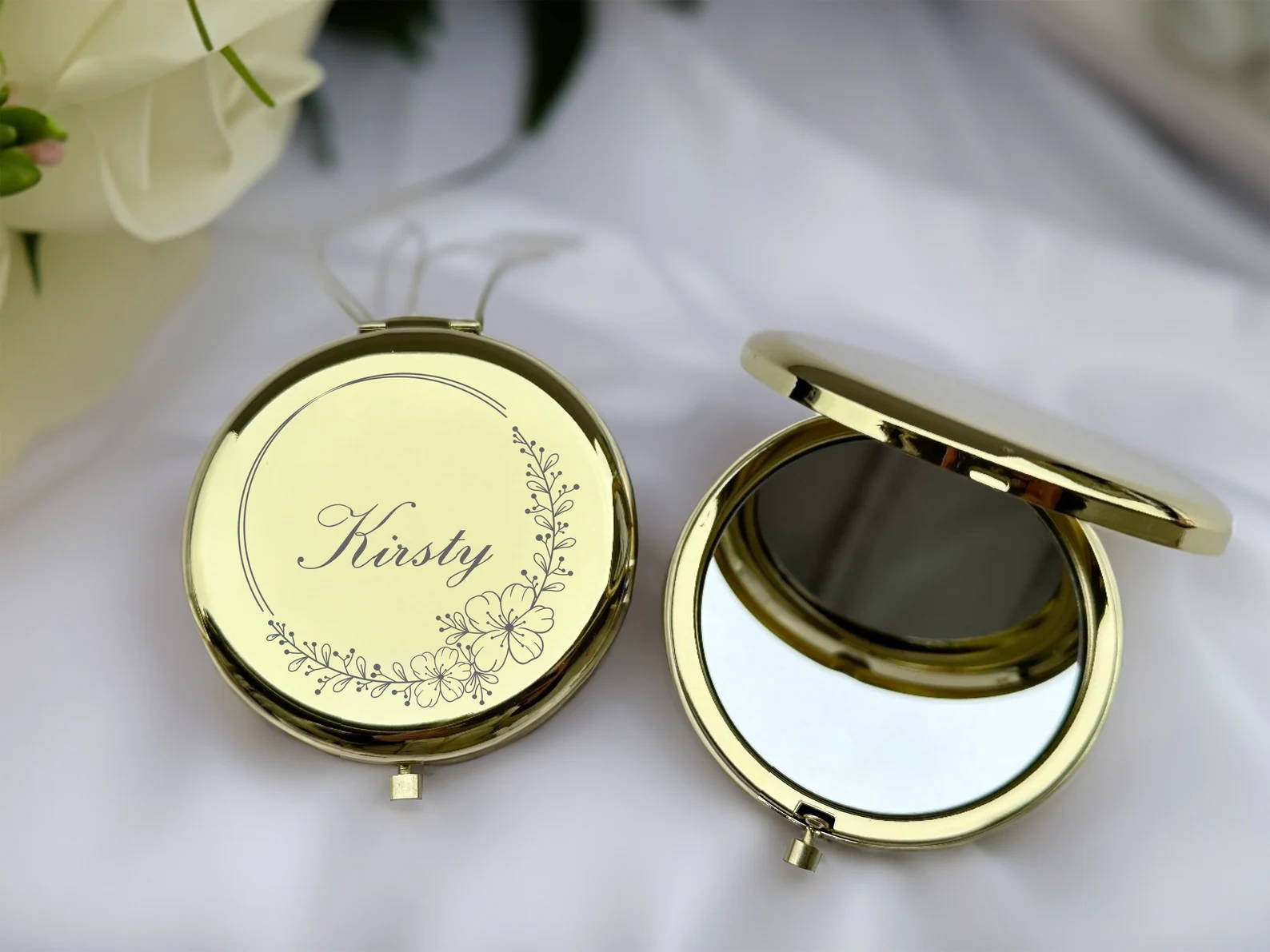
Professional Workflow (Step-by-Step)
Here’s a proven laser engraving workflow used by pros:
1. Clean and prep the mirror
2. Apply masking if needed
3. Flip to the backside
4. Import design into LightBurn
5. Adjust laser engraving speed and power
6. Use a focus tool for precise alignment
7. Run framing preview
8. Start engraving with air assist
9. Clean and inspect final result
This workflow ensures:
· Consistent engraving depth
· High contrast engraving
· Professional engraving quality
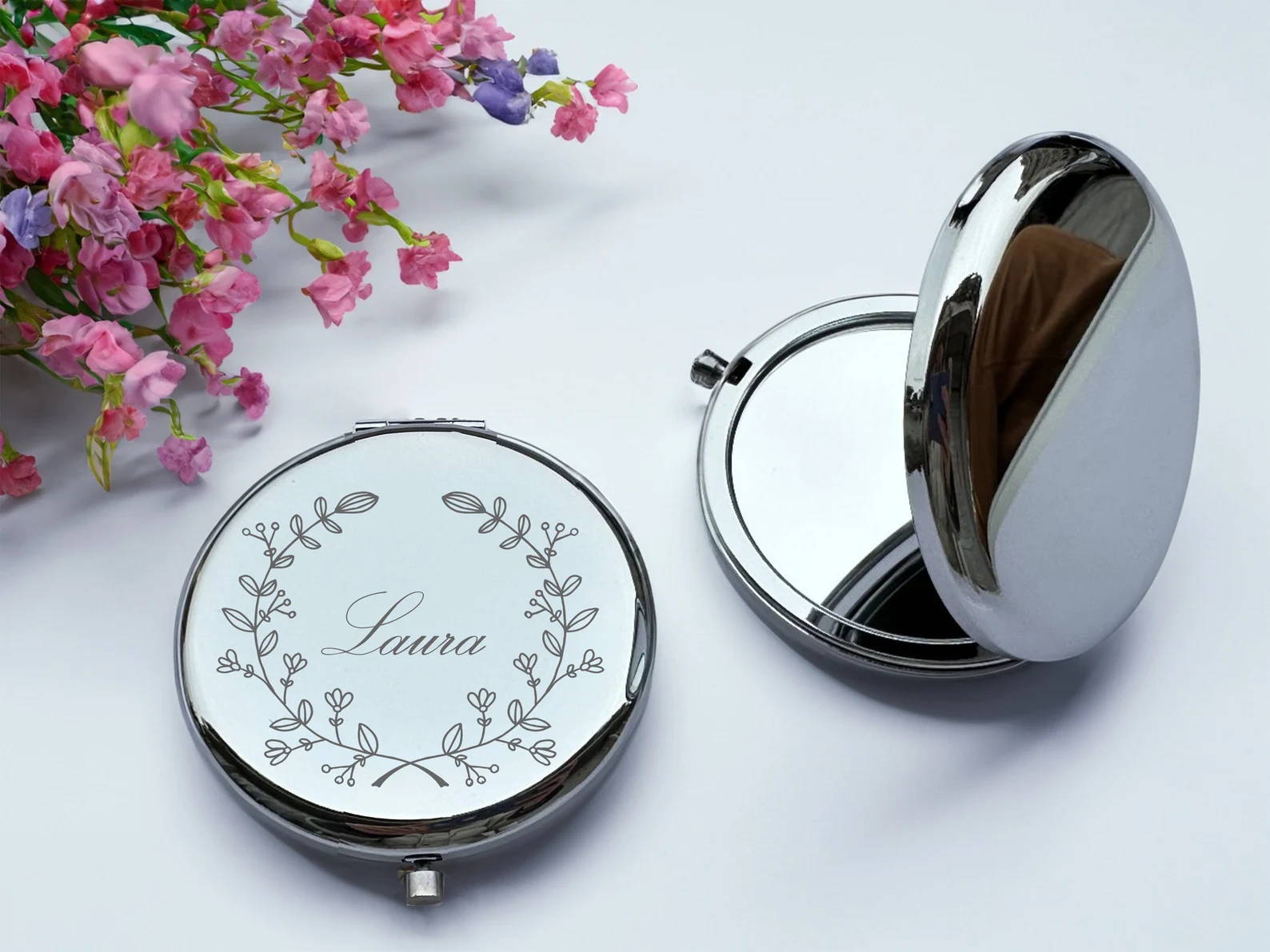
Choosing the Best Tool for Your Needs
Let’s simplify the decision:
· Choose a diode laser engraver if you want versatility and affordability
· Choose a CO2 laser engraving machine for artistic glass effects
· Choose a fiber laser engraver for industrial-scale precision
For most users, a desktop laser engraver like the AlgoLaser Alpha MK2 40W Laser Engraver delivers the best balance of:
· Performance
· Cost efficiency
· Ease of use
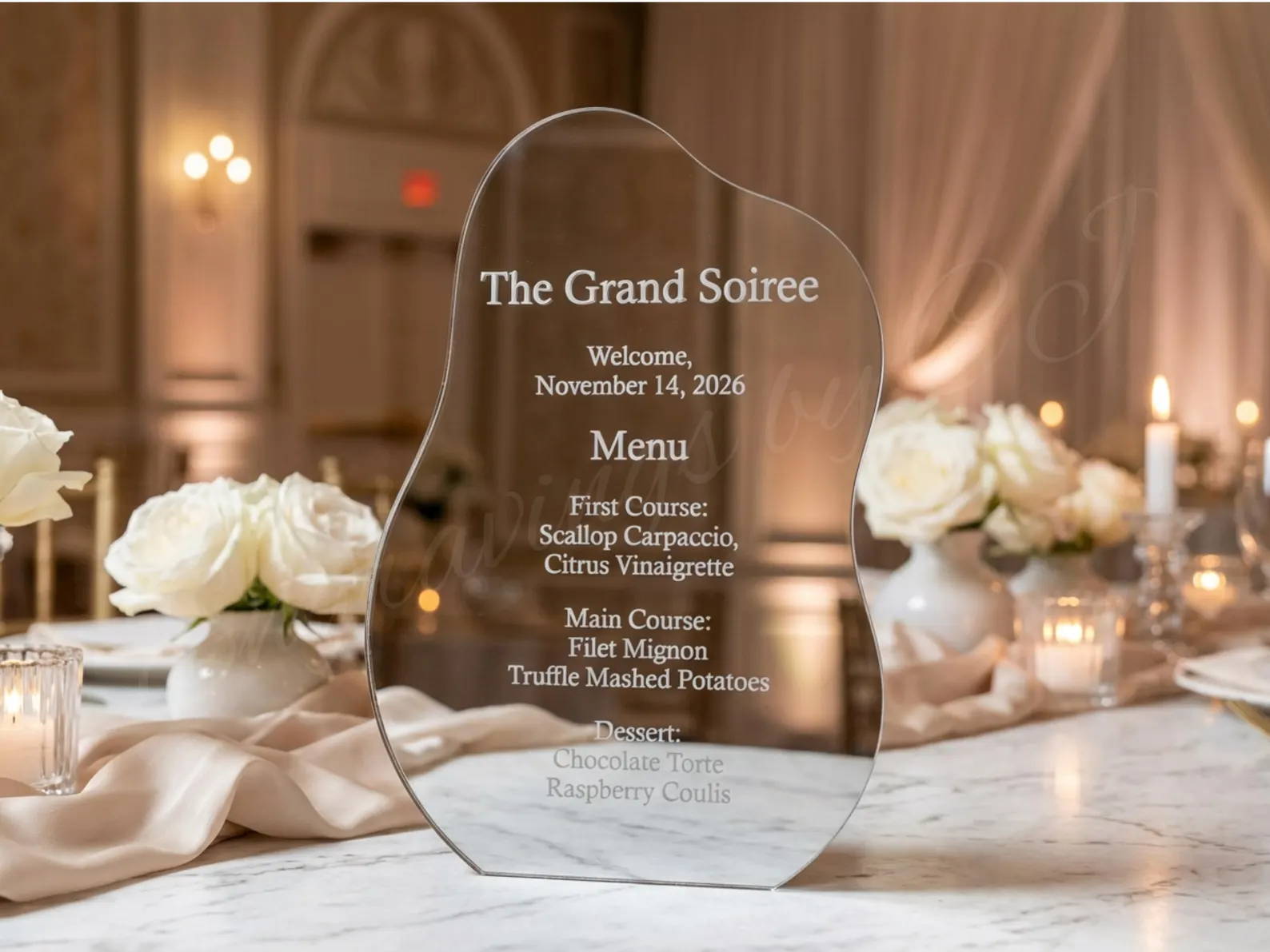
FAQs
1. What is the best laser engraver for mirrors?
A diode laser engraver is the most versatile and cost-effective option for most users.
2. How do you improve engraving contrast on mirrors?
Use masking materials and optimize laser engraving settings with test grids.
3. Can you engrave mirrors without cracking them?
Yes—engrave the mirror backing removal layer, not the glass surface.
4. Do I need special software?
Yes, tools like LightBurn laser engraving software help optimize design and workflow.
5. What causes uneven engraving?
Incorrect focus, inconsistent speed, or poor material preparation.
6. Is mirror engraving beginner-friendly?
Yes—with the right entry-level laser engraver and proper setup, beginners can achieve great results.
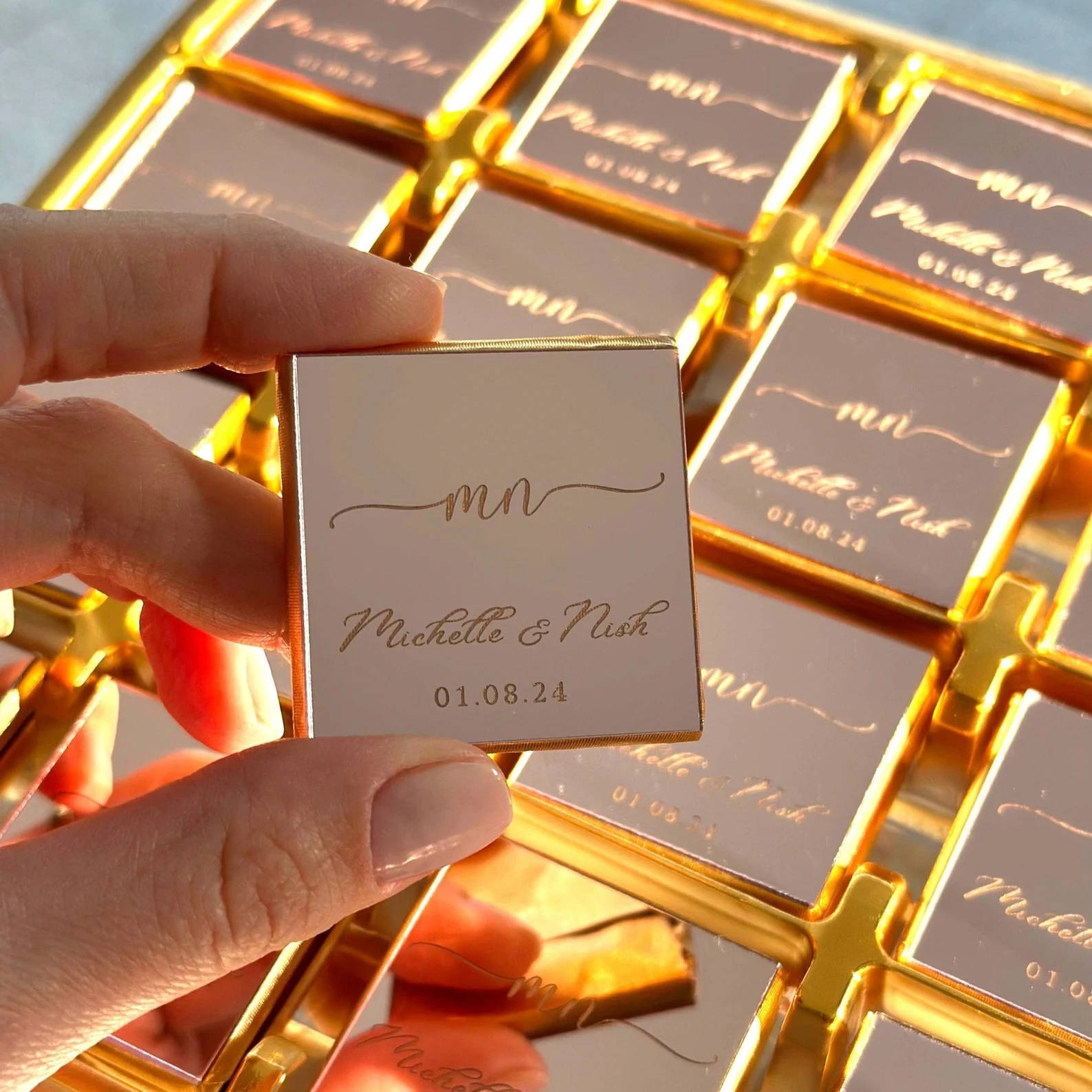
Final Thoughts
Mirror engraving isn’t about brute force—it’s about mastering laser engraving technique, material behavior, and machine control.
With the right setup, you can produce:
· High contrast mirror engravings
· Detailed image engraving
· Durable, professional results
Focus on precision, testing, and workflow consistency, and your engravings will look like they came straight out of a commercial shop.


