


What Tools Are Best for Carving Golf Balls?
Golf ball engraving is a niche but fascinating craft, combining precision, creativity, and the right tools. Whether you’re personalizing golf balls as gifts, for tournaments, or as promotional items, selecting the best engraving tools is crucial.
As a geek laser engraver, I’ve explored everything from diode and CO₂ laser machines to traditional hand engraving tools. Today, I’ll share my top recommendations for carving golf balls, focusing on Algolaser machines and essential accessories, while also covering alternative traditional tools.
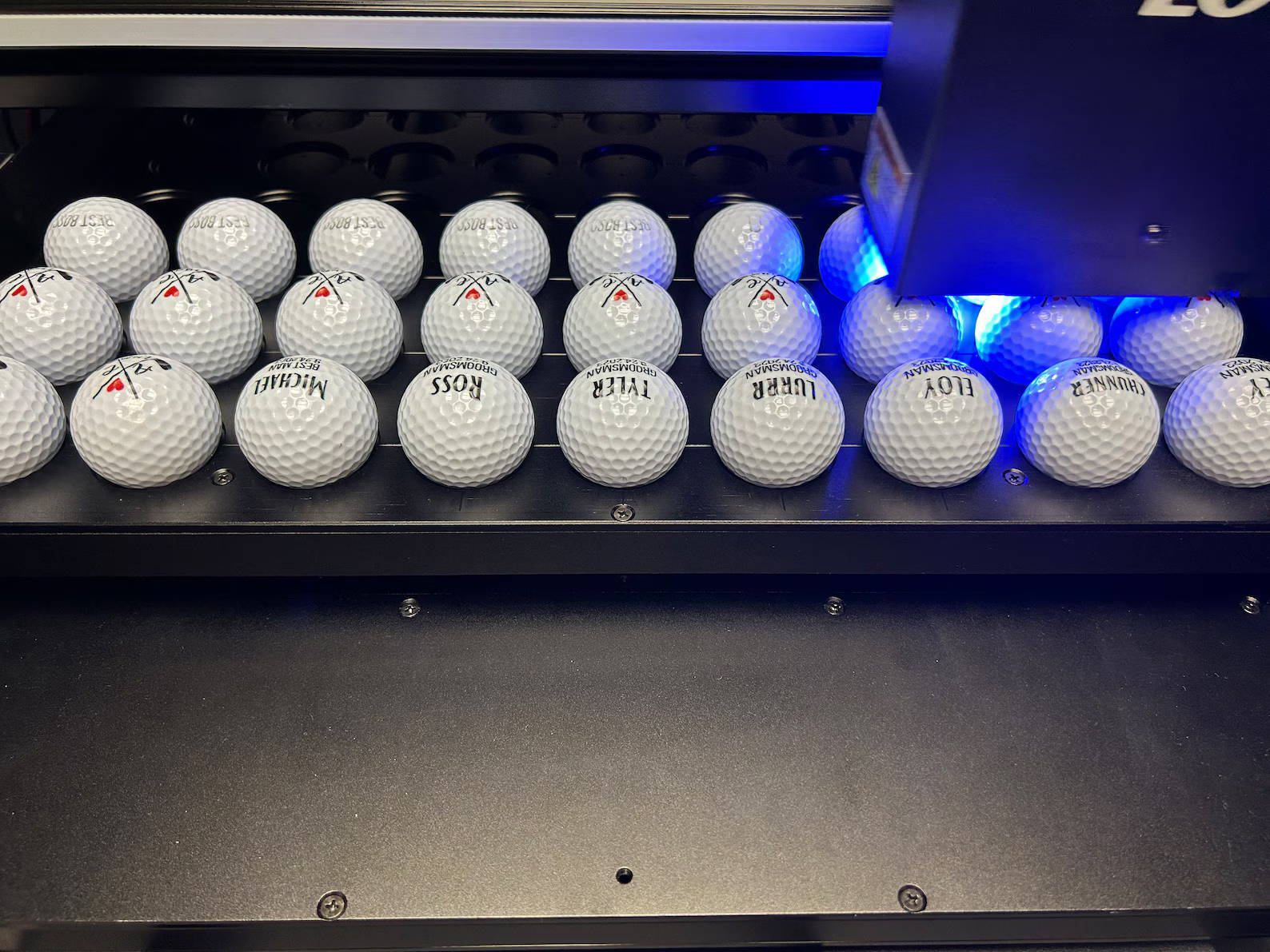
Why Golf Ball Engraving Requires Specialized Tools
Engraving on a golf ball is not the same as engraving wood, acrylic, or metal. The spherical shape, small size, and dimpled surface create unique challenges:
· Precision: The laser or engraving tool must follow a curved surface accurately.
· Material: Most golf balls are made of urethane or surlyn, which require controlled laser power or careful manual carving to avoid melting or tearing.
· Rotation: Consistent rotation during engraving ensures the design remains aligned across the sphere.
This is where laser engraving machines with rotary attachments or specialized carving tools shine.
Top Algolaser Machines for Golf Ball Engraving
The 20W diode laser engraver is excellent for small-scale golf ball engraving projects. Its high-resolution laser module can carve text, logos, and custom graphics without damaging the ball’s surface.
Key Features:
· Integrated 3.5-inch touchscreen for precise control
· LightBurn and LaserGRBL compatibility for custom designs
· Power-off resume for uninterrupted engraving
· Compact size, ideal for hobbyists or small businesses
For high-volume or detailed golf ball engraving, the 40W Alpha MK2 provides faster engraving and deeper marking, while still maintaining surface integrity.
Key Features:
· Dual-core CPU and 32GB memory for batch processing
· Adjustable laser power and speed for soft urethane or harder surlyn balls
· Rotary attachments available for spherical precision
The 10W DIY KIT is perfect for beginners who want to experiment with golf ball engraving. It supports rotary attachments, making it easier to engrave curved surfaces.
Key Features:
· Easy assembly for a plug-and-play DIY experience
· Compatible with lightweight rotary chucks for golf balls
· Affordable entry into diode laser engraving
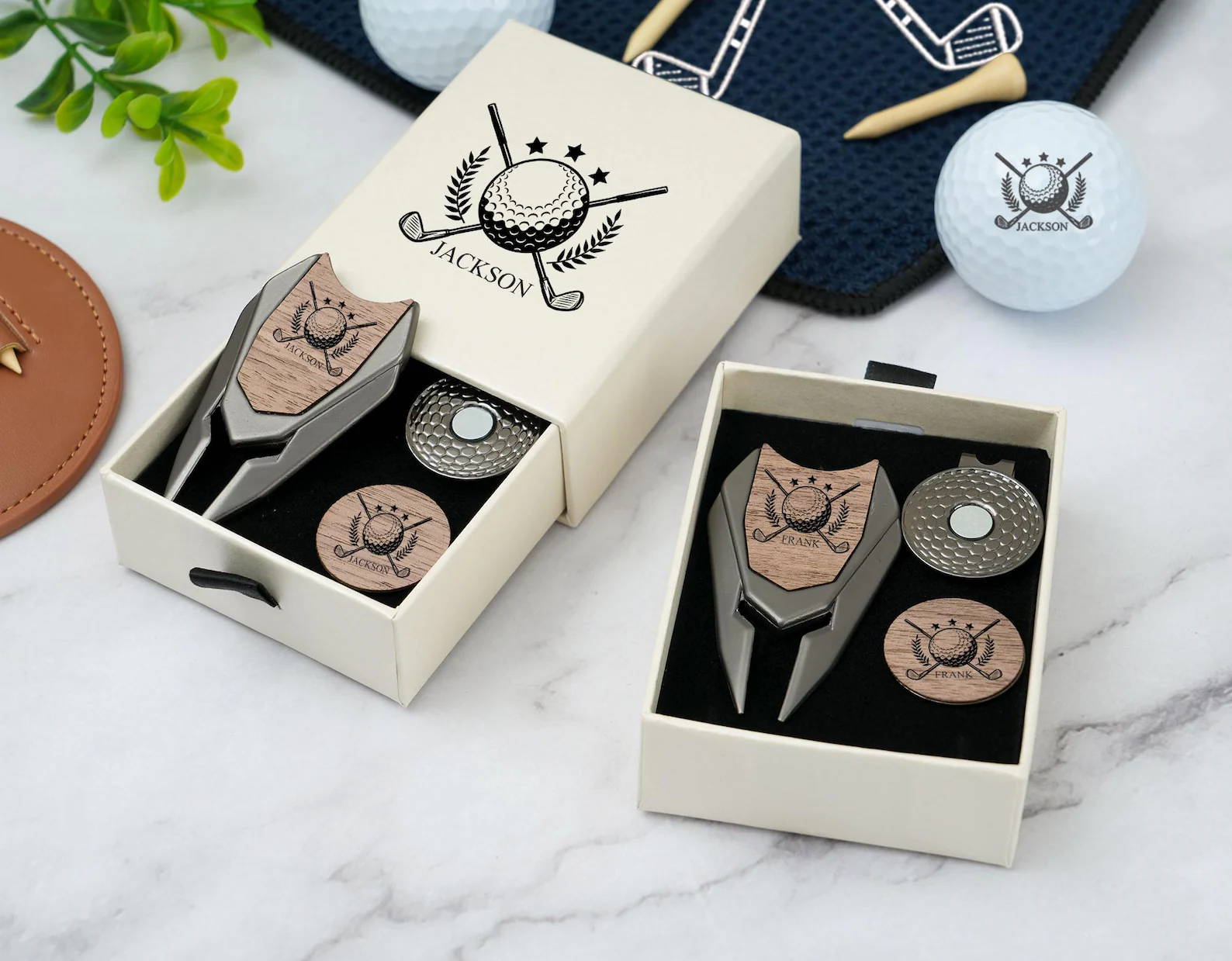
Essential Accessories for Golf Ball Engraving
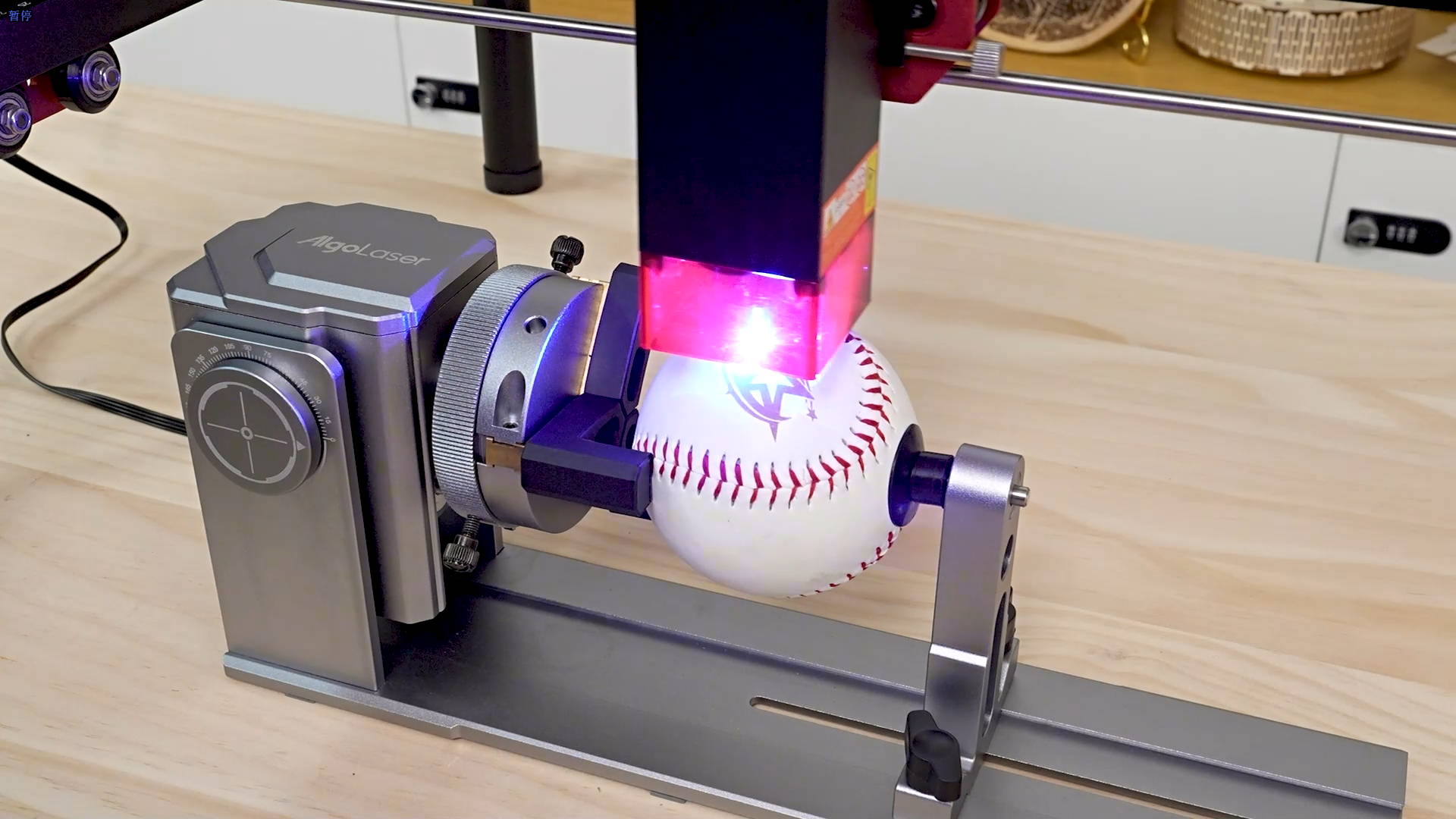
A rotary attachment is crucial for engraving spheres like golf balls. The Y-axis rotary chuck rotates the ball smoothly while the laser engraves, ensuring consistent, aligned designs.
Benefits:
· Allows 360° engraving without distortion
· Supports batch engraving for multiple golf balls
· Reduces human error compared to manual rotation
Laser Focus Tools
Proper focus ensures sharp, high-contrast engraving on golf ball surfaces. Many Algolaser machines include adjustable focusing posts to optimize the laser height.
Protective Accessories
· Safety glasses for eye protection
· Ventilation or air pumps to prevent fumes from urethane or surlyn
· Material clamps or holders for stability
Traditional Carving Tools
If you prefer manual golf ball engraving, traditional tools can work, though they require more skill and patience:
· Rotary Dremel Tools with diamond or carbide bits
· Engraving pens for detailed designs
· Etching tools for text or logos
Pros of traditional tools:
· Lower upfront cost
· No need for electricity or software
· Hands-on artistic control
Cons:
· Slower than laser engraving
· Less consistent results, especially on batches
· Steeper learning curve for spherical surfaces
Version showing all Algolaser models, accessories, and their golf ball engraving suitability
| Algolaser Model / Accessory | Laser Power | Golf Ball Engraving Suitability | Key Features / Accessories | Ideal Use Case |
|---|---|---|---|---|
| Alpha MK2 20W | 20W diode | Excellent for small-scale, precise golf ball engraving | 3.5-inch touchscreen, LightBurn/ LaserGRBL compatible, adjustable focus, batch engraving | Hobbyists, custom golf balls, small batch personalization |
| Alpha MK2 40W | 40W diode | Excellent for larger batches, deeper engraving | Dual-core CPU, high memory, adjustable speed/power, supports rotary chuck (ARC) | Small business or high-volume golf ball engraving, professional-quality projects |
| DIY KIT MK2 10W | 10W diode | Good for beginners and experimentation | Lightweight, compatible with rotary attachments, assembly required | Beginner DIY projects, learning laser engraving, low-volume personalization |
| Y-Axis Rotary Chuck (ARC) | N/A | Essential for precise 360° golf ball engraving | Rotates spherical items, compatible with all MK2 models | Ensures consistent designs, ideal for batch engraving multiple golf balls |
| Laser Focus Tool | N/A | Improves sharpness and engraving quality | Adjustable height, ensures precise focus on curved surfaces | Any MK2 engraving project, critical for golf balls, small spheres, or detailed designs |
| Protective Lenses / Safety Glasses | N/A | Supports safe operation during laser engraving | Eye protection, laser-filtering lenses | Required for all laser engraving sessions, especially close-up golf ball work |
| Air Pump / Ventilation | N/A | Prevents fumes and overheating | Removes smoke and debris, protects materials | Essential for urethane or surlyn golf balls, acrylic, and coated materials |
| Engraving Clamps / Material Holders | N/A | Stabilizes golf balls for precise engraving | Securely holds small spherical items | Useful for both laser and manual engraving, prevents rotation errors |
Best Practices for Golf Ball Engraving
1. Clean the Surface: Remove dust or oils to ensure smooth engraving.
2. Test Your Settings: For lasers, test speed and power on a sample ball first.
3. Use a Rotary Chuck: Prevents design distortion on curved surfaces.
4. Engrave Shallow Marks: Avoid cutting too deep into the golf ball.
5. Batch Processing: Use Algolaser batch engraving features for multiple balls.
6. Safety First: Always wear protective glasses and ensure proper ventilation.
6 FAQs About Golf Ball Carving
1. Can beginners engrave golf balls with a laser?
Yes! Machines like the Algolaser DIY KIT MK2 10W and Alpha MK2 20W are beginner-friendly with rotary attachments.
2. Which laser is better for detailed golf ball engraving, 20W or 40W?
For small-scale or soft materials, 20W is sufficient. For faster production or deeper marking, 40W is ideal.
3. Do I need a rotary chuck to engrave a golf ball?
While possible manually, a Y-axis rotary chuck (ARC) ensures consistent 360° engraving.
4. Can I engrave logos or photos on golf balls?
Yes! Using LightBurn or LaserGRBL software, you can engrave high-resolution designs including text, logos, and vector images.
5. Are there traditional tools I can use without a laser?
Yes, rotary Dremel tools, engraving pens, and etching bits work for manual carving, but they are slower and require skill.
6. How do I prevent the golf ball from melting during laser engraving?
Use lower laser power, increase speed, and always test on a sample ball. Rotary attachments help distribute heat evenly.
Conclusion
Engraving golf balls is a specialized craft that combines skill, tools, and precision. For hobbyists and small businesses, Algolaser Alpha MK2 20W, 40W, and DIY KIT MK2 10W provide the best results, especially when paired with rotary attachments like the Y-axis chuck (ARC).
While traditional engraving tools can work, laser engraving machines offer faster, more precise, and professional results—perfect for personalized gifts, tournament awards, and promotional golf balls. With the right laser, accessories, and best practices, you can create high-quality, detailed golf ball designs every time.


