


What Are the Best Tools for Engraving Pencils and Metals?
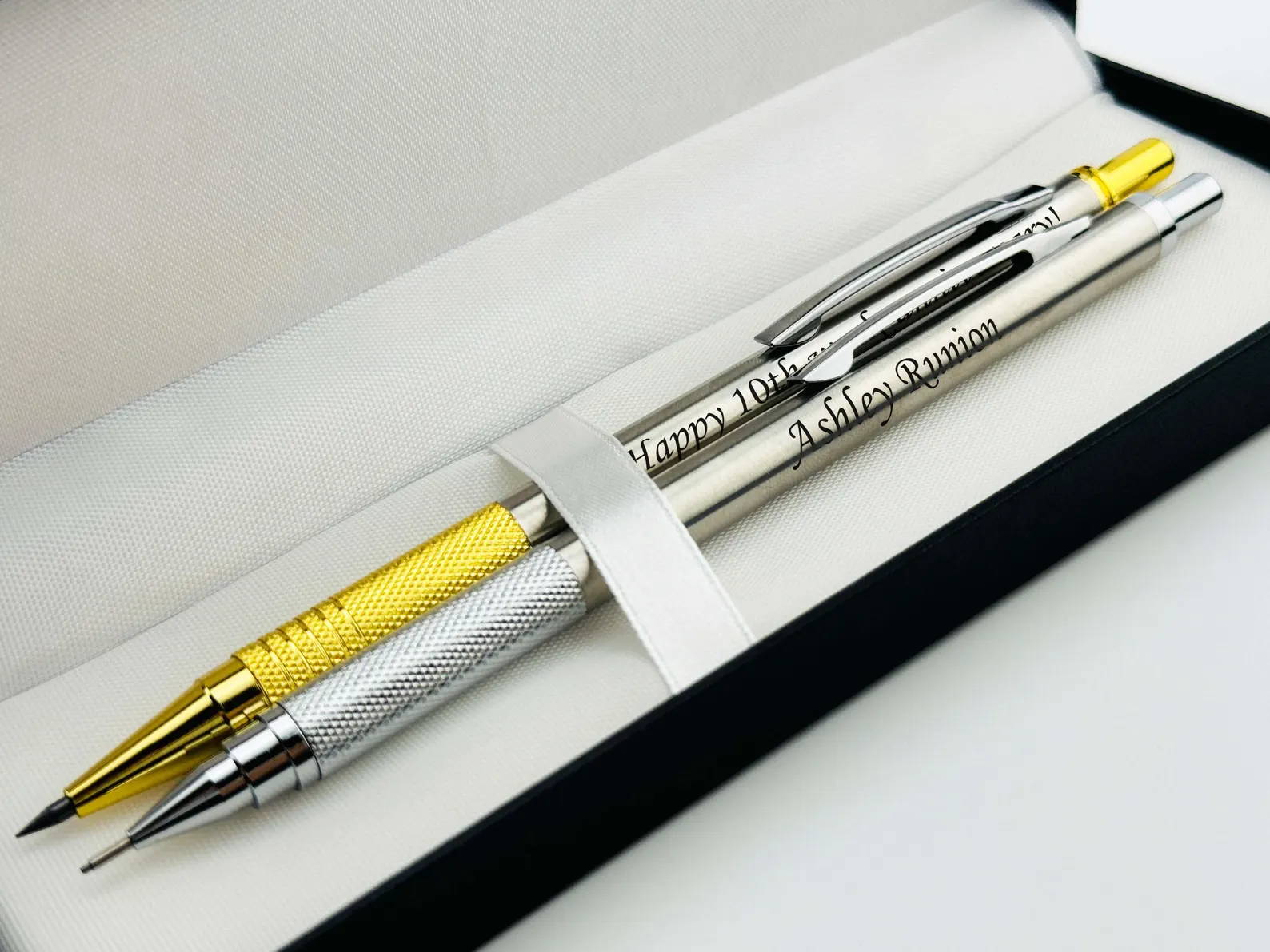
If you're deep into the world of engraving, you already know it’s more than just scratching surfaces—it's a blend of precision, material understanding, and dialing in the right engraving tools for the job. Whether you're working on custom engraved pencils, engraved metal tags, or launching a custom engraving business, choosing the right setup makes all the difference.
This guide breaks down the best engraving tools, from laser engraving machines to rotary engraving tools, while helping you master both pencil engraving and metal engraving like a pro.
Understanding the Materials: Wood vs. Metal Engraving
Before choosing your engraving equipment, you need to understand the difference between engraving wooden pencils and engraving metal surfaces.
Wood (Pencils)
Wood is a soft material, making it ideal for low power laser engraving. However, engraving on painted wood or lacquer-coated pencils requires careful laser power adjustment to avoid over-burning.
Key considerations:
· Burn depth control is critical
· Works best with diode laser engravers
· Ideal for fine detail wood engraving
· Requires smooth engraving surface finish
Metal (Aluminum, Steel, Brass)
Metal engraving is more demanding. Whether you'reengraving stainless steel, engraving aluminum, or engraving brass, you’ll need higher precision and often different technology.
Key considerations:
· Requires laser marking metal or deep metal engraving
· Needs proper surface preparation engraving
· Works best with fiber laser engravers or coated surfaces
· Focus on permanent metal marking and precision metal marking

Laser Engraving Machines: The Industry Standard
Modern laser engravers dominate both hobby and professional workflows. A desktop laser engraver or portable laser engraver gives you unmatched control, repeatability, and speed.
Why Laser Engraving Wins
· High laser engraving accuracy
· Clean results with no tool wear
· Easy control via laser engraving software like LightBurn
· Scalable for batch engraving workflow
With proper laser engraving settings, you can switch between engraving soft materials like wood and marking coated metals with ease.
Why AlgoLaser Machines Are a Smart Choice
When it comes to balancing performance and usability, AlgoLaser stands out in the diode laser engraver category.
Key Advantages
· Stable frame for consistent engraving quality control
· Excellent laser beam focus for small objects
· Compatible with LightBurn settings and LaserGRBL workflow
· Supports accessories like rotary roller attachment for cylindrical engraving
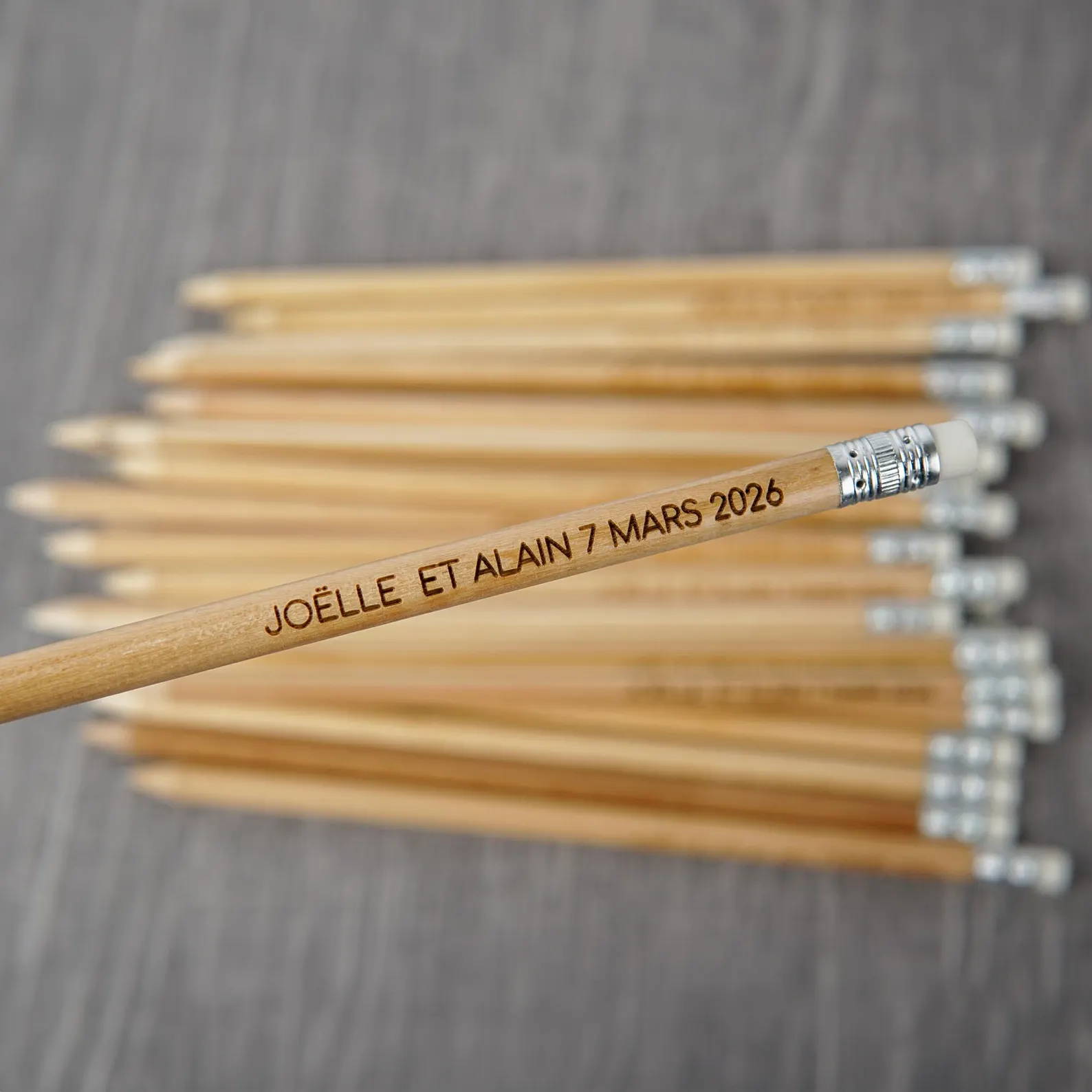
For projects like pencil personalization or engraving small objects, AlgoLaser machines offer the perfect balance of high precision laser control and affordability.
Best Tools for Engraving Pencils
1. Diode Laser Engraver (Top Recommendation)
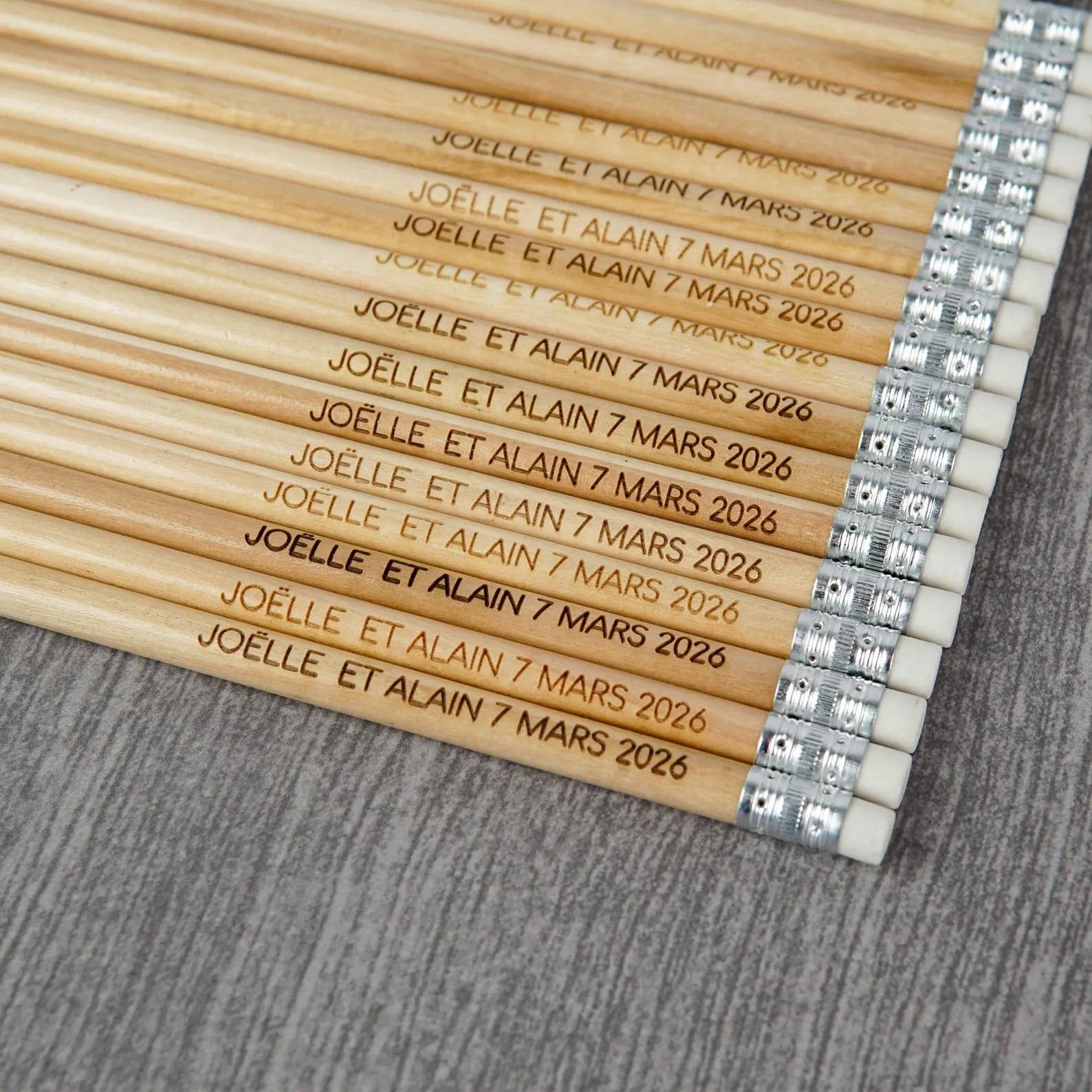
For engraving wooden pencils, nothing beats a diode laser engraver.
It excels in:
· Fine detail wood engraving
· engraving school supplies
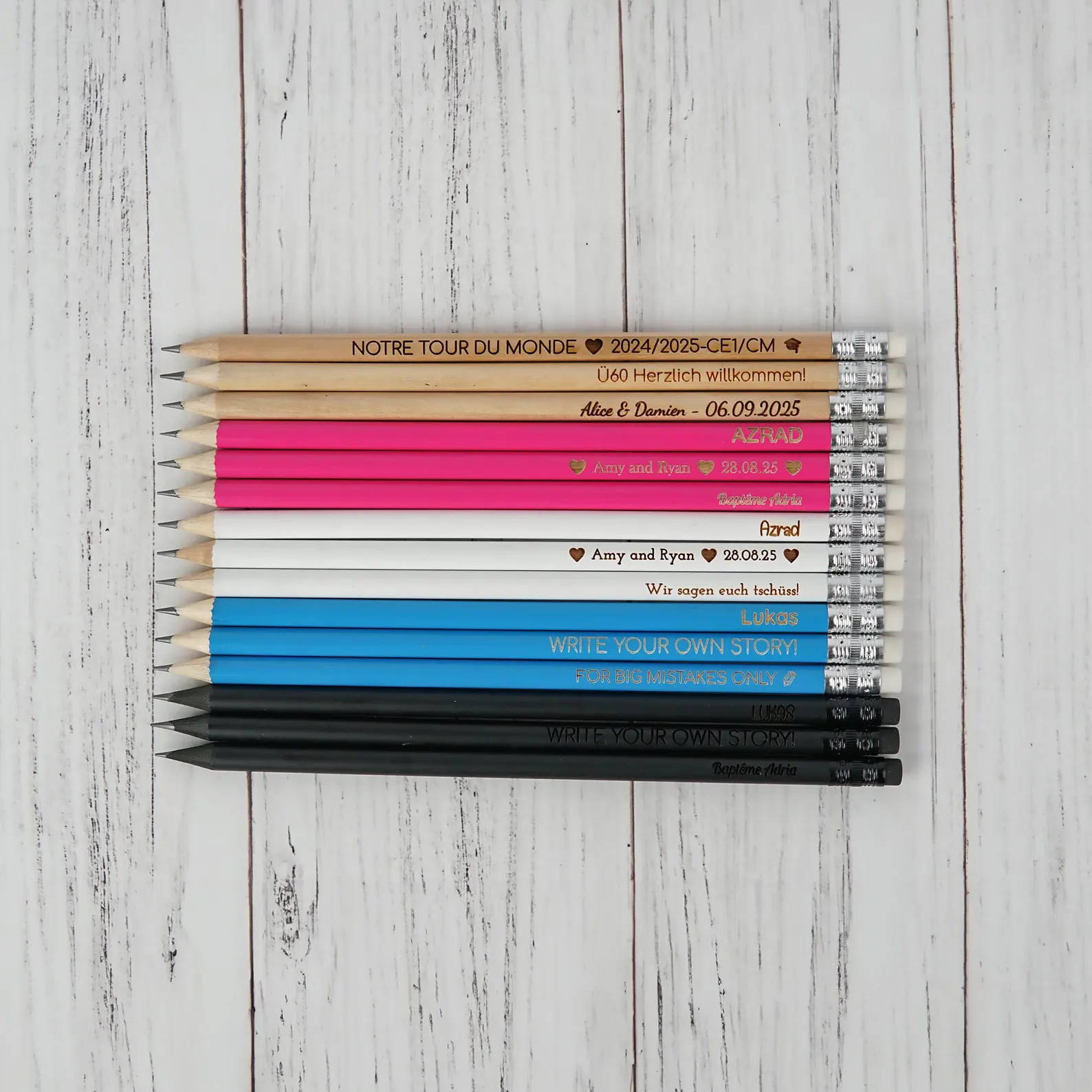
· engraved gift pencils production
· batch engraving pencils
With proper engraving parameter tuning, you can achieve consistent results across large batches.
Workflow Tips:
· Use low power for clean burns
· Optimize laser engraving speed
· Use a pencil engraving jig for alignment
· Maintain proper focus adjustment laser
2. Rotary Engraving Tool (Dremel)
A rotary engraving tool or Dremel engraving setup is a classic choice.
Pros:
· Affordable hobby engraving tools
· Works without software
· Great for manual engraving techniques
Cons:
· Limited engraving repeatability
· Requires steady hand
· Not ideal for production engraving setup
3. CNC Engraving Machine
A CNC engraving machine or CNC router can handle wood, but it’s not always the most efficient.
Best for:
· Deep cuts
· Mechanical precision
· engraving with CNC router
Downside:
· Slower than laser
· Risk of splintering
· More complex engraving calibration
Best Tools for Engraving Metals
1. Fiber Laser Engraver (Professional Standard)
If you're serious about industrial metal engraving, a fiber laser engraver is essential.
It’s perfect for:
· engraving stainless steel
· engraving aluminum
· engraving metal logos
· engraving metal tags
Delivers:
· Fast laser engraving resolution
· Clean, permanent results
· High-efficiency production engraving setup
2. Diode Laser + Marking Spray
A budget-friendly approach using laser marking techniques.
With machines like AlgoLaser, you can:
· Mark coated metals
· Create strong contrast on steel
· Handle custom branding engraving
This is ideal for:
· engraved merchandise
· promotional product engraving
· Small business production
3. CNC Metal Engraving
CNC metal engraving is still relevant for deep metal engraving.
Pros:
· Works on all metals
· Durable results
Cons:
· Tool wear
· Slower speed
· Requires precise setup
4. Chemical Etching
A traditional acid etching process used for chemical etching metal.
Best for:
· High-detail designs
· Artistic applications
Challenges:
· Messy workflow
· Requires safety precautions
· Not ideal for beginners
Workflow Optimization: Getting Clean, Consistent Results
Even with the best tools, poor setup leads to bad results. Here's how to optimize.
1. Dial in Engraving Settings
Use proper engraving test settings before production.
· Wood: low power, high speed
· Metal (coated): medium power, slower speed
· Always test for engraving surface quality
2. Surface Preparation Matters
Good prep = better results.
· Cleaning metal before engraving removes oils
· Light sanding improves wood consistency
· Ensure proper engraving material types selection
3. Use Jigs for Precision
A proper jig ensures:
· Accurate engraving alignment jig setup
· Consistent engraving repeatability
· Better engraving efficiency tips for production
4. Master Focus and Calibration
Bad focus = blurry engraving lines.
· Always check laser focus problems
· Maintain correct focal distance
· Improve laser engraving accuracy
Common Engraving Problems (And Fixes)
Let’s address real-world issues.
· Laser burning wood issue → reduce power
· Uneven engraving results → recalibrate machine
· Metal engraving not visible → use marking spray
· Poor engraving contrast → adjust speed/power
· Inconsistent engraving results → check jig alignment
Proper laser engraving troubleshooting saves time and materials.
Business and Creative Opportunities
Once you master the tools, the possibilities are endless.
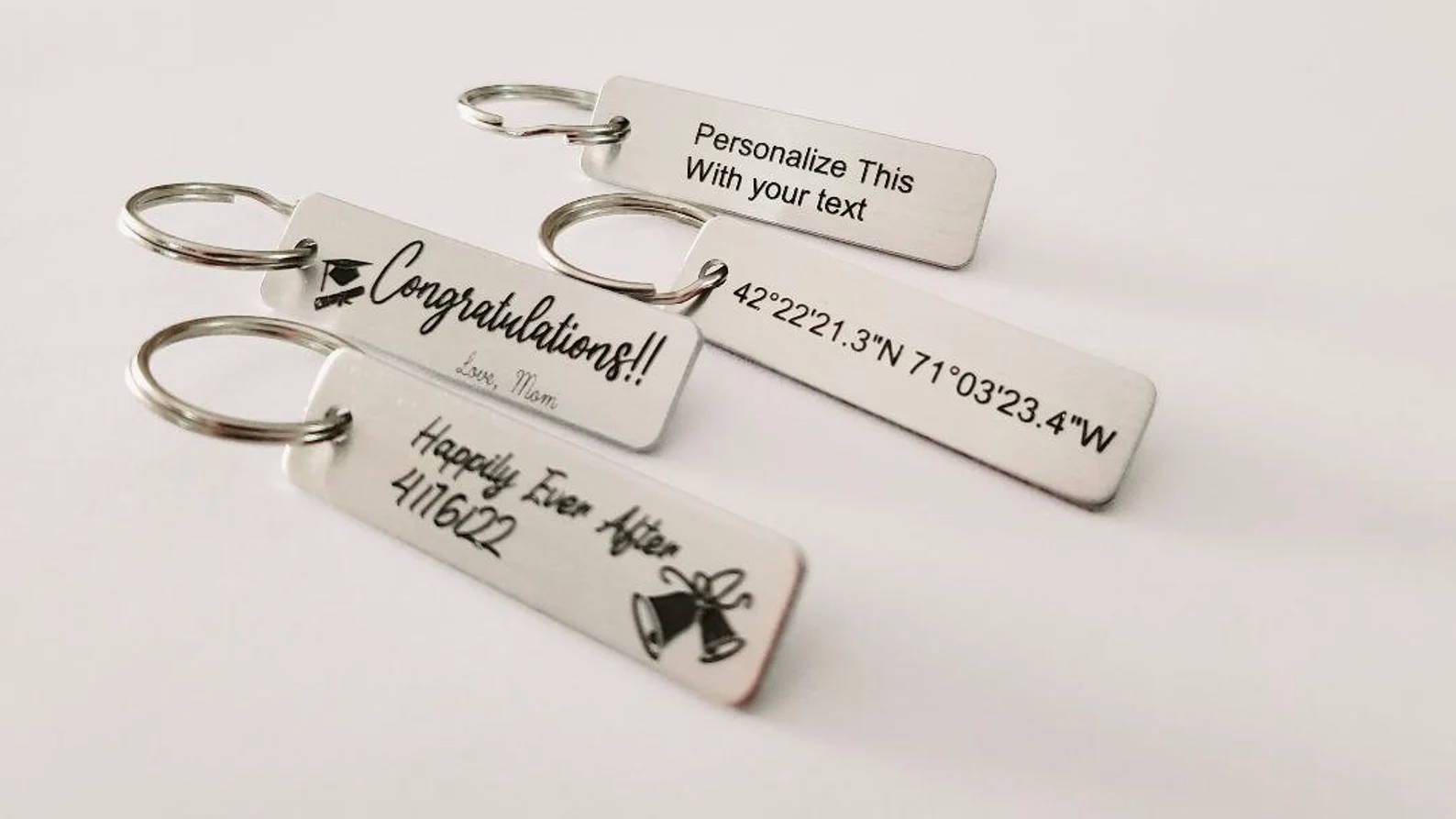
· Start a custom engraving business
· Sell engraved gifts ideas on Etsy
· Offer logo engraving services
· Create personalized engraving products
· Build a line of engraved merchandise
With a reliable laser engraver, scaling production becomes realistic.
Final Thoughts: Choosing the Right Engraving Tool
Let’s simplify it.
· Best for pencils: diode laser engraver
· Best budget metal option: diode laser + marking spray
· Best professional setup: fiber laser engraver
· Best manual option: rotary engraving tool
A well-tuned machine like AlgoLaser gives you flexibility across materials—from engraving soft materials like pencils to handling coated metals efficiently.
The Bottom Line
Engraving isn’t about owning every tool—it’s about mastering the right one.
With the right combination of:
· engraving techniques
· optimized laser engraving workflow
· and smart material choices
—you can consistently produce high-quality results.
Whether you're crafting engraved gift pencils or scaling up to industrial metal engraving, the right setup turns your workflow from trial-and-error into precision-driven production.
Now fire up that laser and make something worth engraving.


