


What Are the Best Laser Cutting Machines for Beginners?
If you're new to laser cutting, choosing your first machine can feel overwhelming. Search online for "best laser cutter for beginners" and you'll find hundreds of options ranging from inexpensive hobby tools to professional-grade systems costing thousands of dollars. The good news is that beginners no longer have to sacrifice quality, safety, or expandability to get started.
As a geek laser engraver who has tested numerous laser machines over the years, I've learned that the best beginner laser cutter isn't necessarily the cheapest one. Instead, it's the machine that balances safety, ease of setup, intuitive software, strong community support, and room to grow as your skills improve.
For beginners, the most important factors are safety, ease of setup, software quality, community support, and upgrade potential. If you're new to laser cutting, selecting a system that excels in these areas will dramatically shorten your learning curve and make the entire experience more enjoyable.
In this guide, we'll explore the best laser cutting machines for beginners, compare AlgoLaser models with traditional cutting tools, and help you decide which setup best fits your goals.
Why Laser Cutting Appeals to Beginners
Laser cutting has become one of the fastest-growing maker hobbies in America. Whether you're creating gifts, launching an Etsy shop, decorating your home, or simply exploring a new craft, laser machines open up endless possibilities.
Popular beginner projects include:
· Personalized keychains
· Wooden ornaments
· Name signs
· Layered wall art
· Custom coasters
· Leather patches
· Acrylic decorations
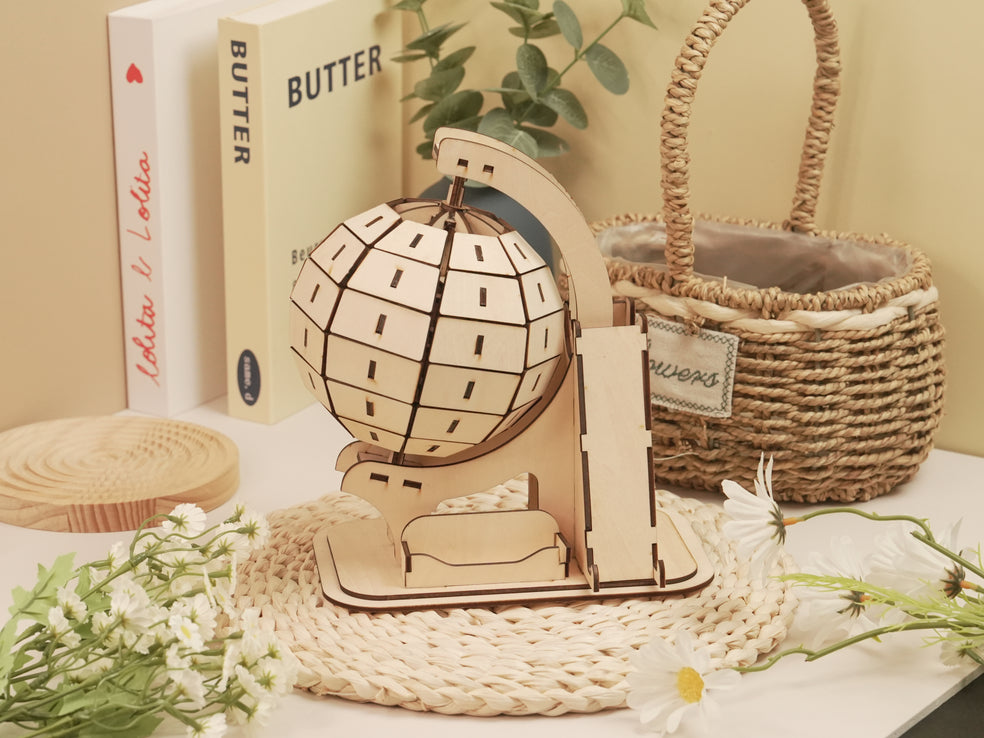
· Educational models
· Wedding favors
· Small business products
Unlike traditional cutting methods, laser cutters provide exceptional precision while reducing the physical effort required.

What Beginners Should Look for in a Laser Cutter
Before buying your first machine, evaluate these five critical areas.
1. Safety Features
Safety should always come first.
Look for features such as:
· Protective enclosures
· Emergency stop buttons
· Flame detection
· Motion sensors
· Ventilation compatibility
· Child-resistant operation
· Eye protection systems
Enclosed systems are especially attractive to first-time users because they minimize accidental exposure.
2. Ease of Setup
Nobody wants to spend an entire weekend assembling complicated hardware.
Beginner-friendly machines should offer:
· Simple assembly
· Guided instructions
· Pre-calibrated components
· Automatic or easy focusing
· Clear documentation
· Plug-and-play operation
The faster you begin creating, the more confident you'll become.
3. Software Quality
Software often determines whether beginners enjoy laser cutting.
Excellent software should provide:
· User-friendly interfaces
· Material presets
· Preview functions
· Framing tools
· Design libraries
· Wireless connectivity
· Compatibility with popular programs
A confusing software experience can quickly discourage newcomers.
4. Community Support
Communities help beginners troubleshoot problems and discover new ideas.
Strong support includes:
· Active Facebook groups
· Reddit discussions
· Tutorial videos
· Free project files
· Customer service
· Knowledge bases
· Beginner guides
Learning alongside other makers accelerates progress.
5. Upgrade Potential
Your first machine should grow with you.
Look for systems supporting:
· Rotary attachments
· Air assist
· Cameras
· Enclosures
· Additional accessories
· Software updates
· Advanced materials
This reduces the need to replace your machine prematurely.
Best Laser Cutting Machines for Beginners
1. AlgoLaser Pixi 10W
Best for Absolute Beginners
The AlgoLaser Pixi 10W Laser Cutter is arguably one of the easiest ways to enter laser cutting.
Its enclosed Class 1 design prioritizes safety while minimizing intimidation for new users.
Why Beginners Love It
· Compact desktop footprint
· Beginner-friendly operation
· Integrated enclosure
· AlgoOS standalone functionality
· Wi-Fi connectivity
· USB support
· Material presets
· Minimal setup requirements
Ideal Projects
· Greeting cards
· Small wooden crafts
· Acrylic ornaments
· Personalized gifts
· Classroom activities
· Family projects
If safety and simplicity top your list, Pixi is hard to beat.
2. AlgoLaser DIY KIT MK2 10W
Best Budget Laser Cutter
Many beginners want affordability without sacrificing capability.
The DIY KIT MK2 10W Laser Cutter delivers exactly that.
Strengths
· Excellent price-to-performance ratio
· Open-frame flexibility
· Straightforward assembly
· LightBurn compatibility
· Upgrade options
· Reliable cutting capability
Ideal Users
· Hobbyists
· Students
· Weekend makers
· First-time Etsy sellers
It offers enough power to complete meaningful projects while remaining approachable.
3. AlgoLaser DIY KIT MK2 20W
Best for Growing Makers
Once beginners become more ambitious, additional power becomes valuable.
The DIY KIT MK2 20W provides:
· Faster cutting
· Greater material versatility
· Improved efficiency
· Better productivity
Great For
· Side hustles
· Small businesses
· Market vendors
· Personalized products
It strikes an excellent balance between beginner usability and professional output.
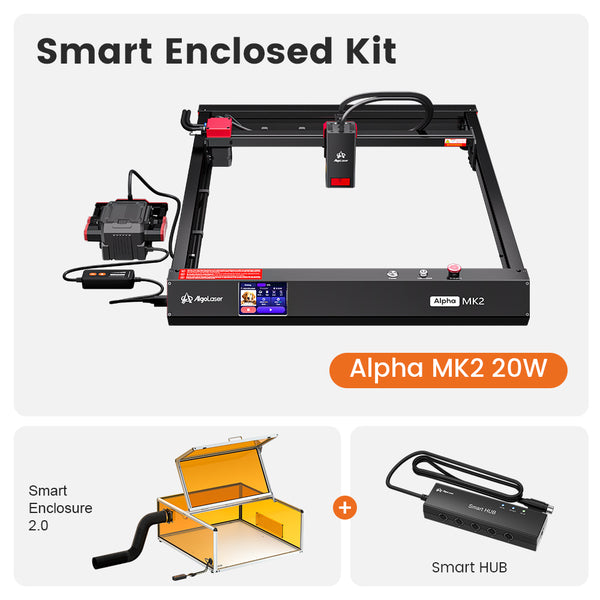
4. AlgoLaser Alpha MK2 20W
Best All-Around Beginner Upgrade
The Alpha MK2 20W Laser Cutter feels like a machine designed to evolve alongside its owner.
Features include:
· Stable construction
· Expanded workspace
· Accessory compatibility
· Enhanced productivity
· Air assist support
· Camera integration
This machine allows beginners to experiment confidently while preparing for more advanced work.
5. AlgoLaser Alpha MK2 40W
Best for Serious Beginners
Some newcomers know they intend to start a business immediately.
The Alpha MK2 40W Laser Cutter provides commercial-level performance without excessive complexity.
Advantages
· Powerful cutting capability
· Faster production
· Excellent efficiency
· Broad material compatibility
· Upgrade ecosystem
· Business scalability
This machine can support both learning and revenue generation.
Beginner Machine Comparison
| Model | Best For | Safety | Setup Difficulty | Upgrade Potential |
|---|
| Pixi 10W | Absolute beginners | Excellent | Very Easy | Moderate |
| DIY KIT MK2 10W | Budget hobbyists | Good | Easy | Good |
| DIY KIT MK2 20W | Growing makers | Good | Easy | Very Good |
| Alpha MK2 20W | Advanced beginners | Very Good | Moderate | Excellent |
| Alpha MK2 40W | Small business starters | Very Good |
Essential Accessories for Beginners
A laser cutter becomes more capable when paired with the right accessories.
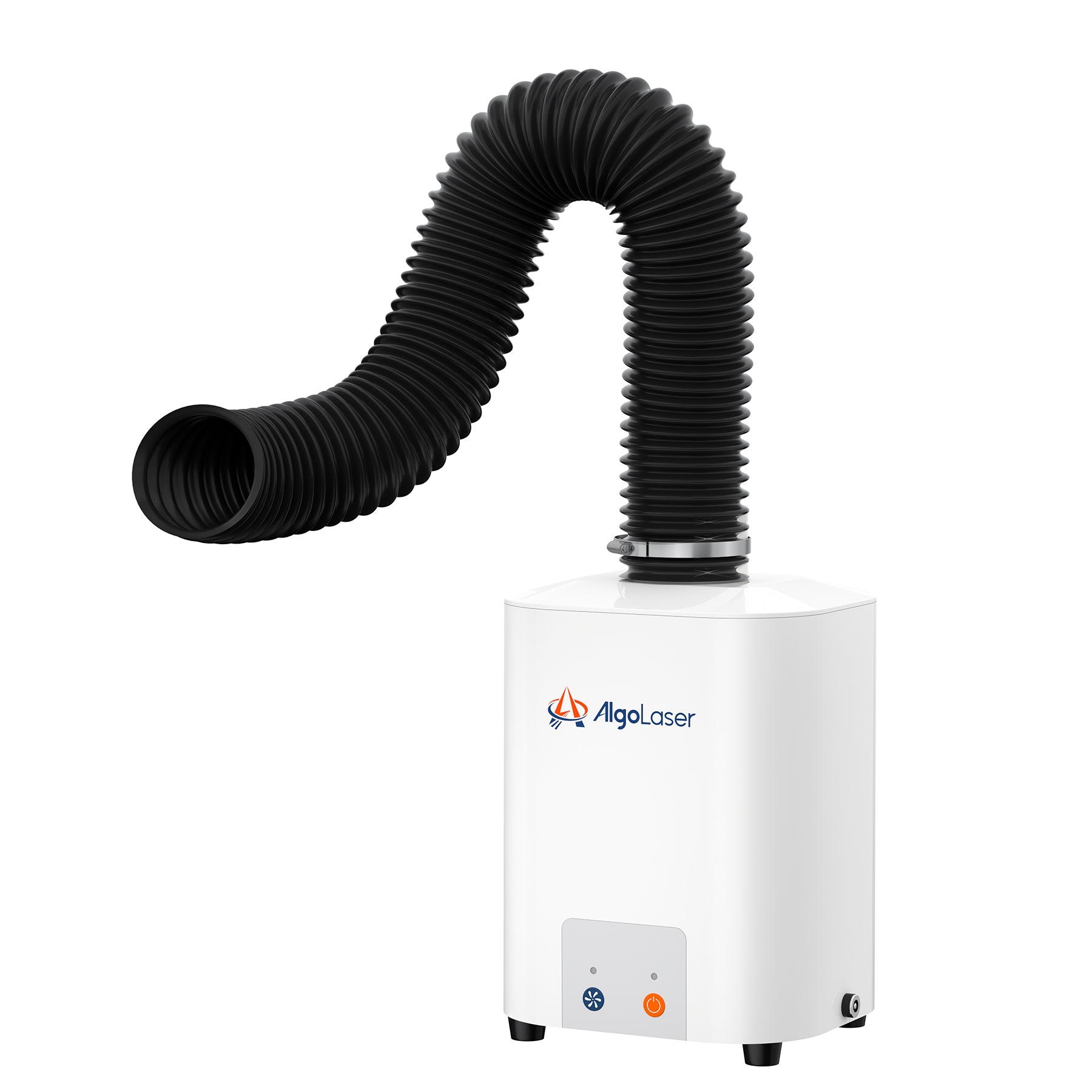
Smart Air Assist
Benefits include:
· Cleaner cuts
· Reduced scorching
· Improved edge quality
· Better consistency
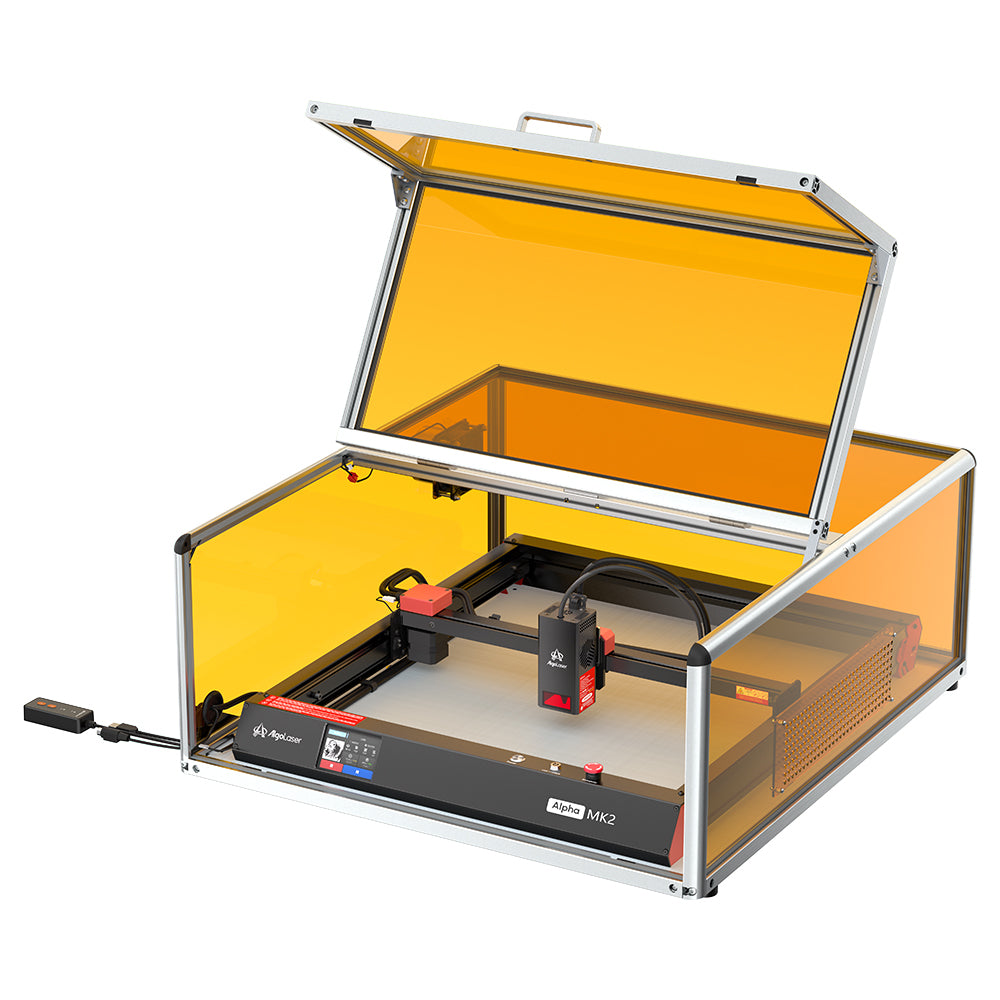
Smart Enclosure
Perfect for beginners concerned about safety.
Advantages:
· Smoke containment
· Enhanced protection
· Improved ventilation
· Reduced distractions
Rotary Attachments
Allow engraving on cylindrical objects such as:
· Tumblers
· Mugs
· Bottles
· Pens
Camera Systems
Useful for:
· Material positioning
· Reducing waste
· Faster alignment
· Improved accuracy
Smoke Purifiers
Especially valuable in workshops with limited ventilation.
Benefits include:
· Cleaner air
· Better comfort
· Improved indoor usability
Traditional Cutting Tools vs. Laser Cutters
Before laser technology became affordable, makers relied heavily on traditional tools.
Utility Knives
Pros
· Inexpensive
· Portable
Cons
· Limited precision
· Physically demanding
Scroll Saws
Pros
· Good for woodworking
Cons
· Steeper learning curve
· Slower production
Jigsaws
Pros
· Versatile
Cons
· Lower accuracy
· Rougher finishes
Laser Cutters
Pros
· Exceptional precision
· Repeatable results
· Minimal effort
· Design flexibility
· Small business potential
Cons
· Higher initial investment
· Ventilation considerations
For many beginners, laser cutters ultimately provide greater long-term value.
Which Beginner Laser Cutter Should You Choose?
Choose the Pixi 10W if:
· Safety is your top priority.
· You want the easiest setup possible.
· You prefer enclosed operation.
Choose the DIY KIT MK2 10W if:
· You're budget-conscious.
· You enjoy learning through hands-on assembly.
· You mainly create hobby projects.
Choose the DIY KIT MK2 20W if:
· You anticipate rapid skill growth.
· You want faster cutting speeds.
· You plan to sell products.
Choose the Alpha MK2 20W if:
· You desire greater versatility.
· You want room for expansion.
· You expect heavier usage.
Choose the Alpha MK2 40W if:
· You're serious about launching a business.
· Production speed matters.
· You want professional performance from day one.
Frequently Asked Questions
1. What is the easiest laser cutter for beginners?
The AlgoLaser Pixi 10W is one of the easiest options due to its enclosed design, intuitive controls, and minimal setup requirements.
2. Is laser cutting difficult to learn?
Not anymore. Modern software, tutorials, and online communities have dramatically reduced the learning curve.
3. Are beginner laser cutters safe?
When used properly and equipped with appropriate safety features, beginner laser cutters can be very safe.
4. Can beginners use LightBurn?
Yes. Many beginners successfully learn LightBurn because of its extensive tutorials and large user community.
5. What materials can beginner laser cutters handle?
Common materials include wood, acrylic, leather, paper, cardboard, certain fabrics, and coated metals, depending on the machine.
6. Should I buy a machine with upgrade options?
Absolutely. Accessories such as rotary attachments, air assist systems, enclosures, and cameras extend the usefulness of your investment.
Final Thoughts
The best laser cutting machine for beginners isn't necessarily the most powerful or the least expensive. It's the one that helps you learn confidently, safely, and creatively.
For first-time users, factors such as safety, ease of setup, software quality, community support, and upgrade potential should outweigh raw specifications.
AlgoLaser has developed an ecosystem that supports beginners at every stage of their journey—from the enclosed simplicity of the Pixi 10W to the business-ready capabilities of the Alpha MK2 series.
Start with the machine that fits your current needs, embrace the learning process, and remember that every experienced maker was once a beginner staring at their very first laser cutter.
The only difference is that they took the first step.


