


Can You Recommend the Best Laser Robot for Small-Scale Production?
For makers, hobbyists, and small business owners, small-scale laser production requires precision, speed, and efficiency. Whether you’re producing custom pens, keychains, wooden tags, leather goods, acrylic products, or promotional items, the right laser robot makes all the difference. By combining the proper laser engraving machine, batch workflow techniques, accessories, and software, you can create professional-quality products without a massive investment in industrial machinery.
I’ll share my recommendations for laser robots, batch engraving tools, software, and workflow tips, with a focus on Algolaser Pixi and Alpha MK2 machines, rotary attachments, and traditional woodworking tools for optimized production.
Why the Right Laser Robot Matters for Small-Scale Production
Choosing the proper laser engraving robot is critical when running small-batch production workflows. Unlike hobbyist projects, production-grade tasks demand consistent engraving precision, repeatability, and material compatibility. Key considerations include:
· Engraving speed and throughput – Essential for batch projects like pens, tags, or small wooden items.
· Precision and alignment – Critical for repeatable, professional-quality results.
· Software and automation – Supports batch layouts, GCode control, and multi-layer projects.
· Material versatility – Ability to engrave and cut wood, acrylic, leather, MDF, or composite materials.
· Rotary and batch accessories – Ensure cylindrical items are uniform and fixed in place during engraving.
Algolaser laser robots, combined with accessories like rotary jigs, air assist, clamps, and focusing tools, can handle small-scale batch production efficiently.
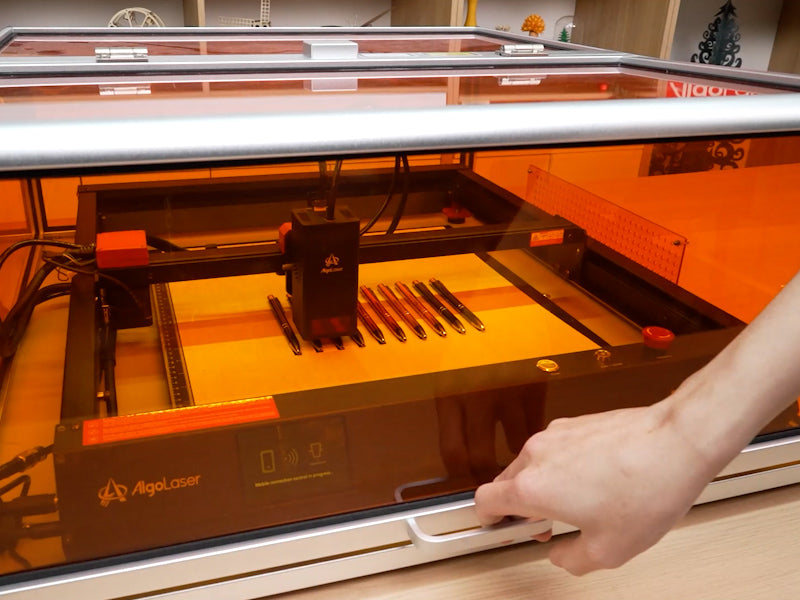
Recommended Laser Robots for Small-Scale Production
1. Algolaser Pixi 1.5W / 1064nm Diode Laser Robot
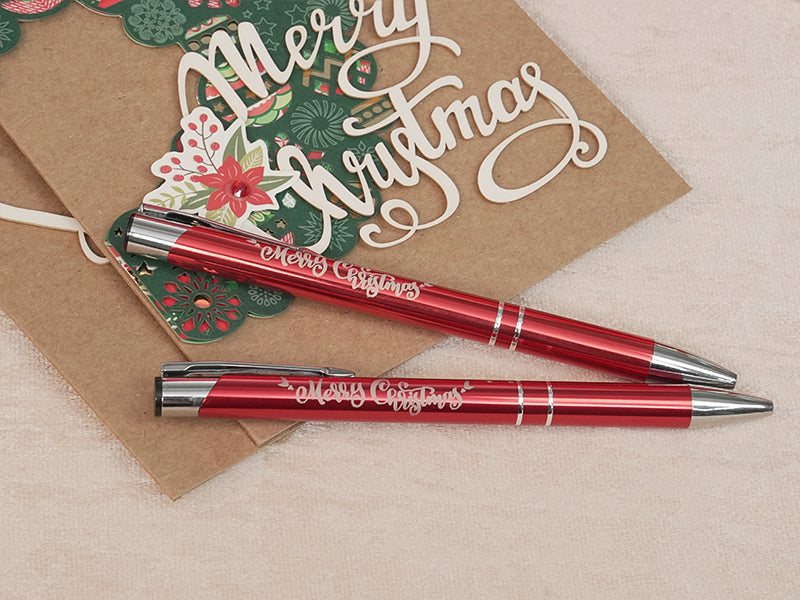
The Pixi laser robot is perfect for small-scale batch engraving projects, especially laser engraving pens, wooden keychains, acrylic promotional items, leather accessories, and small MDF panels. Its high-resolution diode laser module ensures precise engraving on intricate designs.
· Rotary attachment compatible – Ideal for cylindrical objects such as pens, bottles, and wooden tubes.
· Compact footprint – Fits on a desktop while still providing reliable batch engraving.
· Compatible with LightBurn and LaserGRBL – Supports vector and raster engraving, batch layouts, GCode control, and pre-programmed templates.
2. Algolaser Alpha MK2 20W/40W
For medium batch production, the Alpha MK2 excels with:
· Larger engraving area – Handles multiple items at once.
· Dual-core CPU – Supports fast processing of GCode files and batch engraving projects.
· Multi-material compatibility – Engrave wood, acrylic, leather, and some metals with precision.
· High-speed stepper motors – Ensures consistent engraving depth across repetitive projects.
Both the Pixi and Alpha MK2 are ideal for small businesses, makerspaces, and production lines requiring consistent, professional-quality results.
Essential Accessories for Batch Laser Engraving
Accessories are as important as the machine itself. Efficient small-scale production requires the right combination of tools and add-ons:
· Rotary attachments / chucks – Ensure uniform engraving on cylindrical items like pens, mugs, or tubes.
· Air assist systems – Remove smoke and debris, improve engraving contrast, and prevent burn marks.
· Batch engraving jigs – Secure multiple items for simultaneous engraving.
· Focusing tools – Maintain consistent engraving depth across all items.
· Clamps and holders – Stabilize items during repetitive runs.
· Laser safety shields – Protect operators and maintain a safe workspace.
By using these accessories, even desktop laser robots like the Pixi can achieve professional-level batch engraving efficiency.
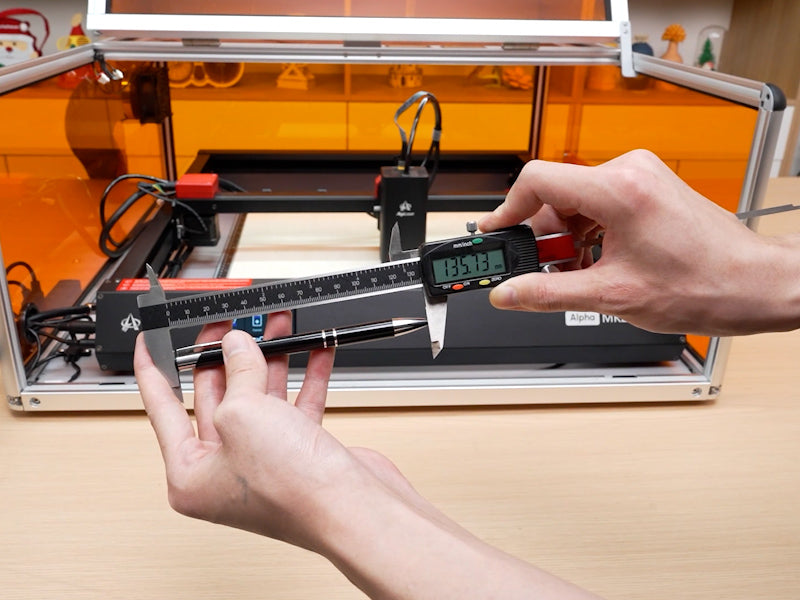
Recommended Software for Small-Scale Laser Production
Software plays a critical role in optimizing batch workflows. Key tools include:
1. LightBurn
· Vector and raster engraving – Works with SVG, DXF, AI, and PDF files.
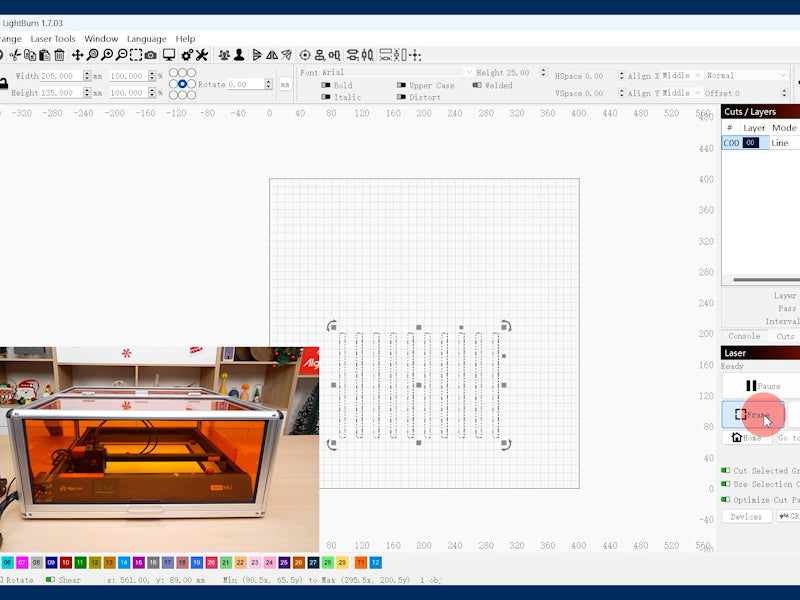
· Batch processing – Duplicate designs across multiple items automatically.
· GCode control – For precise movement and automated engraving sequences.
· Preview function – Simulate engraving before running the laser.
2. LaserGRBL
· Free and open-source, ideal for small businesses starting batch production.
· Supports image-to-GCode conversion for repetitive engraving.
· Simple interface for diode lasers like the Pixi.
3. Vector Software: Adobe Illustrator & Inkscape
· Vector design creation – Essential for detailed batch engravings.
· Convert designs to SVG or GCode for LightBurn or LaserGRBL.
· Perfect for engraving pens, small wooden products, leather items, or acrylic signage.
4. Algolaser Free Templates & Blueprint Tutorials
· Pre-made SVG and GCode files for practice and production.
· Access free resources here: AlgoLaser Tutorials
· Pre-made batch engraving templates save time for repetitive items like pens or keychains.
Tips for Optimizing Small-Scale Laser Production
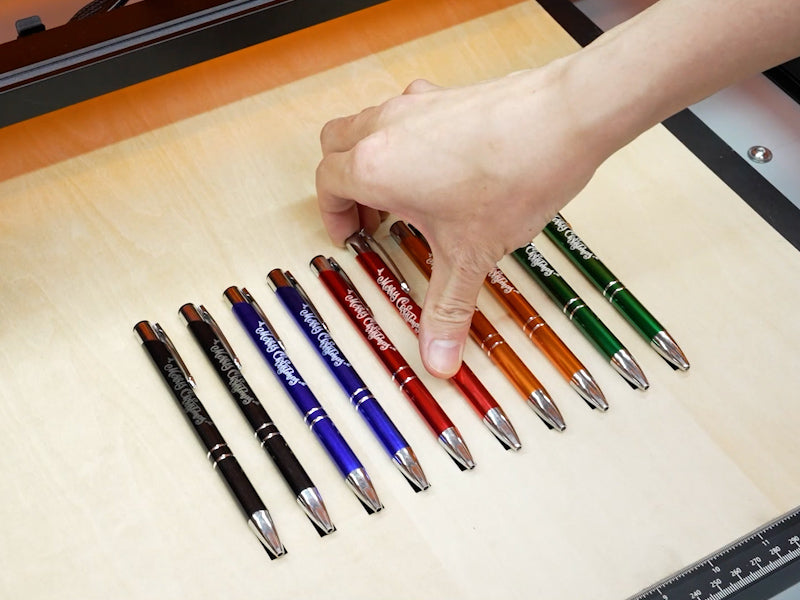
1. Batch Your Work – Arrange multiple items in the laser bed to engrave simultaneously.
2. Test Settings on Scrap Materials – Fine-tune laser power, speed, DPI, and passes before production.
3. Use Air Assist – Prevents smoke build-up, burn marks, and uneven engraving.
4. Organize Accessories – Keep rotary jigs, clamps, and focus tools ready for fast setup.
5. Standardize Designs – Use templates and repeatable workflows for consistent quality.
6. Machine Maintenance – Clean lenses, calibrate the laser, and check stepper motors to avoid errors during batch runs.
Recommended Materials for Batch Engraving
· Wood (maple, birch, basswood, oak, MDF) – Ideal for pens, tags, keychains, or decorative items.
· Acrylic / Plexiglass – Colorful, durable, and perfect for small batch signage or promotional products.
· Leather – Great for accessories, bracelets, or custom keychains.
· Metal (with fiber lasers) – For pens, plaques, and engraving small metal products.
By matching the material to the laser power, speed, and rotary attachments, small-scale production becomes efficient, high-quality, and repeatable.
6 Frequently Asked Questions (FAQs)
Q1: Which laser robot is best for small-scale batch engraving pens?
A1: The Algolaser Pixi 1.5W is perfect due to its precision, compact size, and rotary attachment compatibility for cylindrical items.
Q2: Can I engrave both wood and acrylic with the same machine?
A2: Yes. Both the Pixi and Alpha MK2 can engrave multiple materials by adjusting power and speed settings.
Q3: Do I need professional software for batch engraving?
A3: Not necessarily. However, LightBurn and LaserGRBL provide batch layout, GCode control, and raster/vector options that save time and increase accuracy.
Q4: Are rotary attachments necessary for batch engraving pens?
A4: Yes. They ensure uniform engraving around the cylindrical surface of each pen, producing professional results.
Q5: How can I maintain precision during long batch engraving sessions?
A5: Use focusing tools, clamps, air assist systems, and maintain machine calibration for consistent engraving depth and alignment.
Q6: Can I use pre-made SVG/GCode templates for small-scale production?
A6: Yes. Algolaser offers free templates and blueprint files that help speed up production while maintaining high-quality results.
Conclusion
Small-scale production requires the right combination of laser robot, batch accessories, software, and workflow optimization. The Algolaser Pixi 1.5W and Alpha MK2 20W/40W Laser Engraver provide reliable, high-precision engraving for pens, keychains, wooden products, leather goods, and acrylic items.
By pairing your laser robot with rotary attachments, air assist, clamps, focusing tools, and pre-made templates, and utilizing LightBurn or LaserGRBL for batch layouts, you can create professional-quality products efficiently and consistently.
Whether you’re a maker, hobbyist, or small business owner, these algorithms, GCode workflows, and production tips make batch engraving simple, repeatable, and profitable.


