


Are There Any Tutorials for Laser Cut Coaster Projects?
If you’re a DIY enthusiast, hobbyist, or small business owner, laser cut coaster projects are one of the most satisfying ways to explore the world of laser engraving and laser cutting machines. Whether you’re working with wood, acrylic, cork, bamboo, leather, or stone, creating personalized laser engraved coasters lets you turn simple materials into professional-quality gifts, home décor, or small-batch products.
For small-scale production, using an Algolaser laser engraving machine, such as the Algolaser Alpha MK2 Laser Engraver, ensures precision, consistency, and efficiency. Paired with helpful tutorials and laser engraving accessories like rotary chucks and universal raisers, even intricate designs become achievable for both beginners and experienced makers.
Why Choose Algolaser for Laser Cut Coasters?
Algolaser machines are perfect for DIY coaster projects, batch engraving, and small-scale production. Here’s why they’re ideal:
1. Precision and Accuracy: With diode laser power ranges from 2W to 40W, Algolaser machines cut and engrave with millimeter-level precision, making intricate coaster patterns possible.
2. Versatile Material Compatibility: These machines can handle wood, acrylic, bamboo, cork, leather, and even stone, opening a world of creative coaster designs.
3. Batch Engraving Capabilities: Small businesses or hobbyists can produce personalized coasters efficiently without sacrificing engraving detail.
4. Comprehensive Tutorials and Accessories: Step-by-step guides help users maximize laser cutting efficiency and achieve professional-grade engraved designs.
5. Software Integration: LightBurn and AlgoOS make it easy to import vector designs, adjust engraving speed and power, and perform precision alignment for multiple coasters at once.
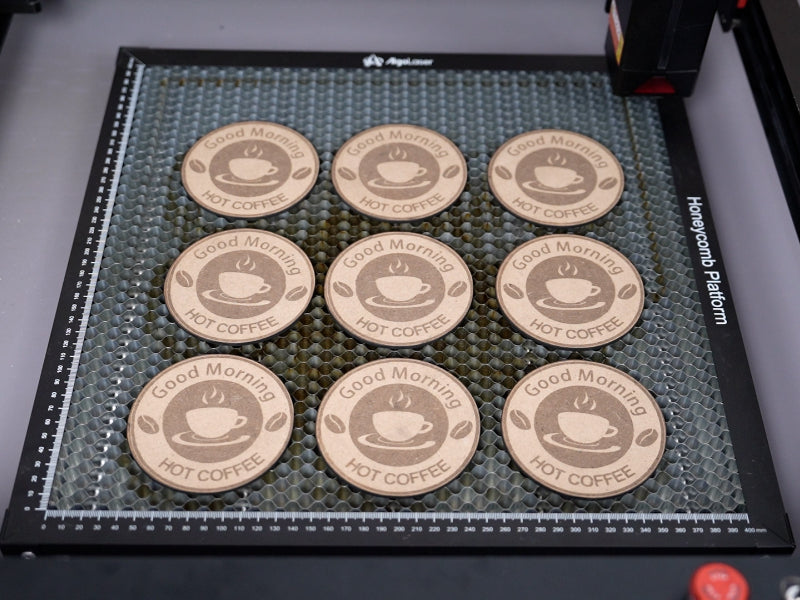
Materials That Work Best for Laser Cut Coasters
Choosing the right material is crucial. Each material reacts differently to laser power, speed, and engraving frequency.
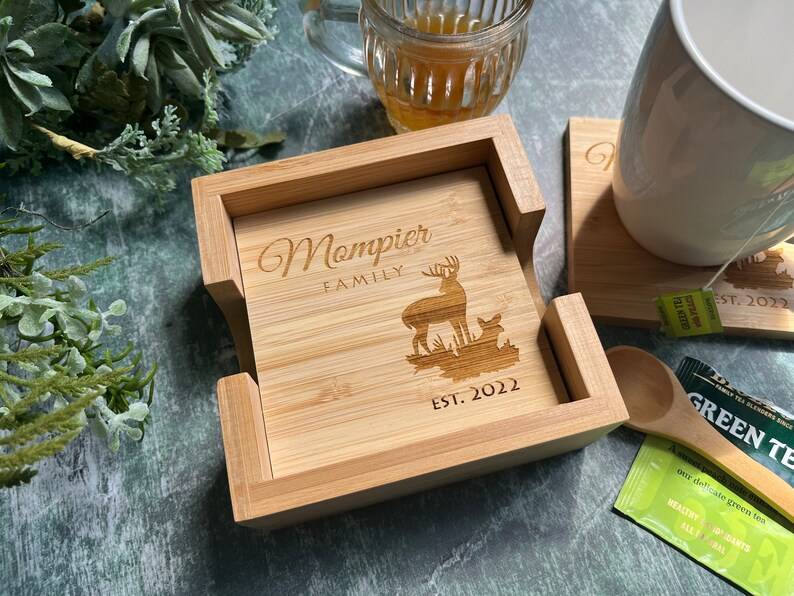
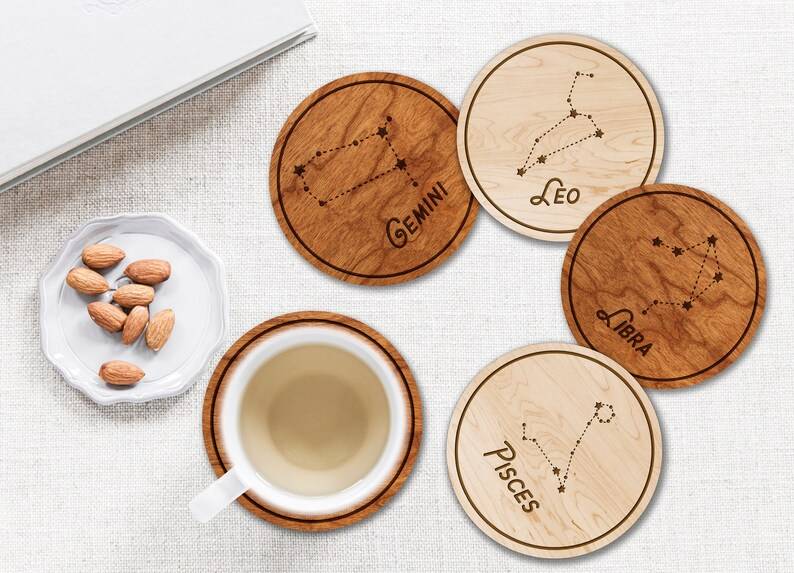
· Wood Coasters: Popular for its warm aesthetic; ideal for laser engraving intricate patterns.
· Acrylic Coasters: Transparent or colored; best for precise laser cuts and custom designs.
· Cork Coasters: Lightweight and durable; perfect for personalized engraving.
· Leather Coasters: Adds elegance; responds well to diode laser engraving with moderate power.
· Stone Coasters: Unique and durable; requires careful laser speed adjustment to prevent cracks.
Tip: Always test a small sample to avoid burn marks or uneven engraving, a crucial step in batch engraving workflows.
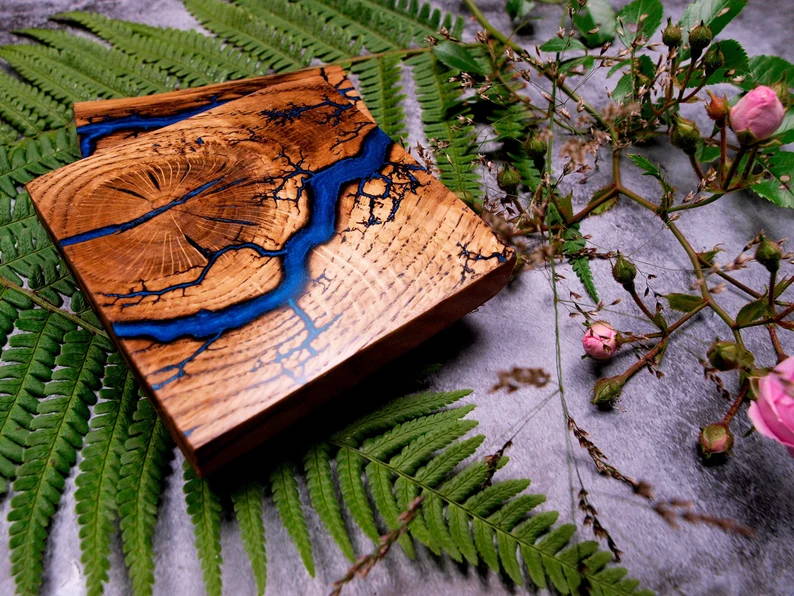
Step-by-Step Laser Cut Coaster Tutorial
Creating laser engraved coasters is both fun and methodical. Here’s a proven workflow using Algolaser accessories:
1. Design Your Coaster Pattern:
Use vector design software like CorelDRAW or Adobe Illustrator. Algolaser tutorials provide downloadable templates for round, square, and custom-shaped coasters. Include monograms, geometric patterns, or intricate mandalas for a professional finish.
2. Prepare the Material:
Position your material on the engraving bed, using universal raisers for precise height adjustment. Secure it with clamps to avoid movement during batch engraving.
3. Adjust the Laser Module:
Use a laser focus tool to set the Z-axis height accurately. Proper focus ensures clean cuts and high-detail engraving, reducing the risk of burn marks or uneven edges.
4. Set Laser Parameters:
Adjust laser power, speed, and frequency according to your material. Algolaser tutorials provide recommended settings for wood, acrylic, leather, and stone, making it easier to achieve consistent results.
5. Run a Test Engraving:
Always test on a scrap piece to confirm engraving depth, alignment, and clarity. Adjust settings as needed to optimize for batch engraving workflows.
6. Engrave Your Coasters:
Start the engraving process. For round coasters, use a rotary chuck for precise rotation. For square or custom shapes, ensure material alignment is perfect to avoid miscuts.
7. Finishing Touches:
Sand wood or bamboo coasters, seal acrylic edges, or apply UV coating to enhance durability. Leather and cork coasters may require light polishing for a professional look.
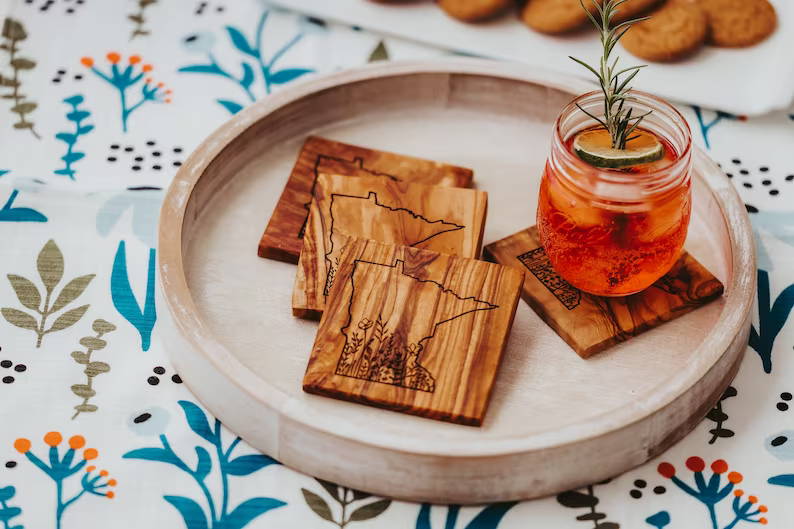
Showcasing Your Laser Engraved Coasters
Once your laser engraved coasters are ready, presentation is key. Tips for showcasing your creations:
· Photography: Highlight intricate details with close-up shots.
· Online Sales: Platforms like Etsy or small business websites are ideal for selling custom coasters.
· Gifts and Promotions: Personalized laser engraved coasters make perfect gifts or promotional items.
· Exhibitions: Share your engraving projects in maker fairs or online communities to build a following.
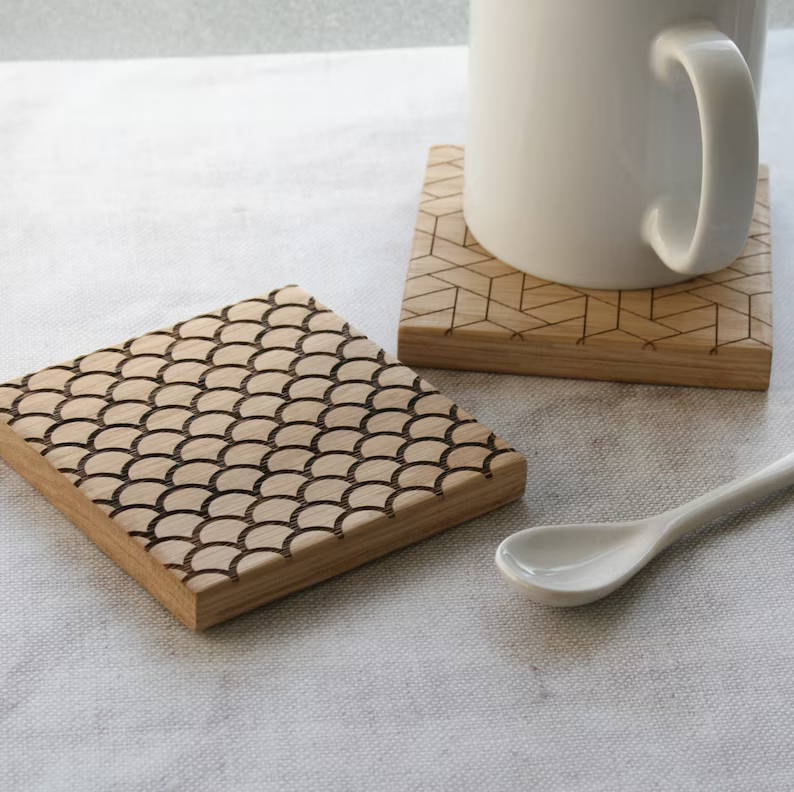
Essential Algolaser Accessories for Coaster Projects
To get the best results, these Algolaser accessories are essential:
· Rotary Chuck: Ideal for circular coaster engraving.
· Universal Raisers: Ensure consistent material height.
· Laser Focus Tool: Critical for accurate Z-axis adjustments.
· Air Assist Pump: Reduces smoke marks on wood and acrylic.
· LightBurn Software Presets: Streamlines batch engraving for multiple coasters.
FAQs: Laser Cut Coaster Projects
1. Can beginners make laser engraved coasters easily?
Absolutely! With Algolaser tutorials, even beginners can create detailed coaster designs and personalized gifts.
2. What materials are best for coaster engraving?
Wood, acrylic, leather, cork, bamboo, and stone are ideal. Each material reacts differently to diode laser power settings, so always test samples first.
3. How do I avoid burn marks on wood coasters?
Use the correct laser speed and power, enable air assist, and run test engravings. Algolaser accessories optimize results.
4. Can I batch engrave multiple coasters?
Yes. Batch engraving workflows allow producing multiple coasters with consistent precision, ideal for small-scale production or custom orders.
5. Are coaster design templates available?
Yes. Algolaser provides downloadable templates, including round, square, and custom designs, making DIY coaster projects easier.
6. How should I finish my laser engraved coasters?
Sanding, sealing acrylic edges, or applying UV-resistant coatings improves durability and presentation. Finishing techniques vary by material.
Conclusion
Laser cut coaster projects are a perfect way to combine creativity, technology, and precision craftsmanship. With Algolaser laser engraving machines, their accessories, and step-by-step tutorials, anyone can create custom, professional-quality coasters. By integrating batch engraving workflows, precision laser settings, and proper material finishing, your coaster projects become not only fun DIY activities but also profitable small-scale products.
Whether for personal use, gifting, or business, laser engraved coasters demonstrate the power of combining design, software, and high-quality diode lasers, helping you unlock the full potential of laser engraving and cutting projects.


