


How to Make a Wooden Board Game
Board games hold a special place in our hearts, fostering camaraderie and laughter among friends and family. Imagine taking that experience to the next level by crafting your very own wooden board game, infused with personalized details made possible through the magic of a laser engraver, DIY laser engraving machine, and precision cutting technology. We will explore the art of making wooden board games, from selecting the right woodworking tools, laser cutting equipment, and engraving materials to generating imaginative ideas. We'll also explore the intricacies of designing a board game and walk you through the mesmerizing process of laser cutting wood, engraving patterns, and creating custom wooden game boards.
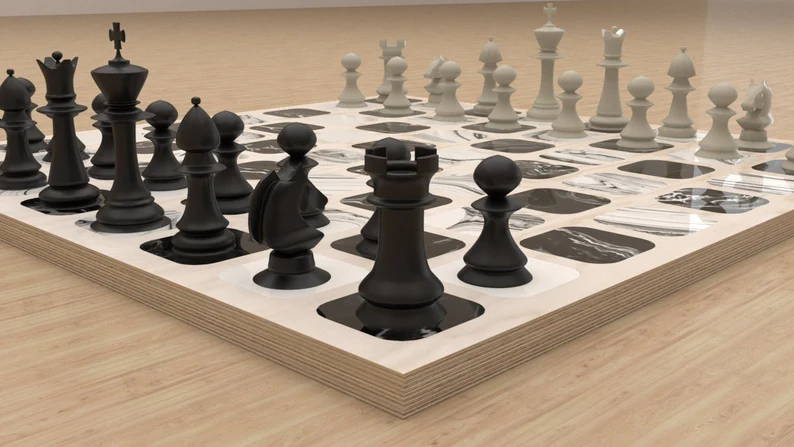
image credit: GlifoFurniture - Etsy
Make a Board Game with the Right Tools and Materials
To embark on your wooden board game journey, it's essential to gather the right tools and materials. Let's explore each element in detail:
Wood Selection
Begin with a high-quality wood that's suitable for laser engraving on wood and laser cutting projects. Birch, maple, and oak are excellent choices due to their durability, smooth grain, and engraving-friendly surface. Ensure the wood is smooth and free of imperfections to achieve the best results in high-precision engraving and clean laser cuts.
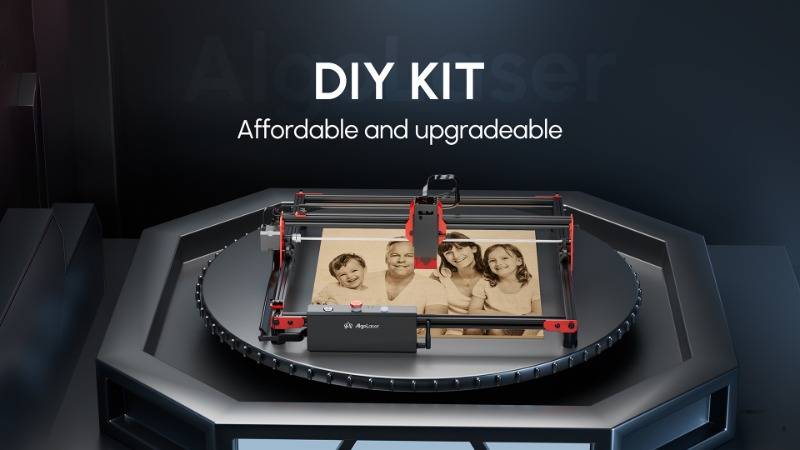
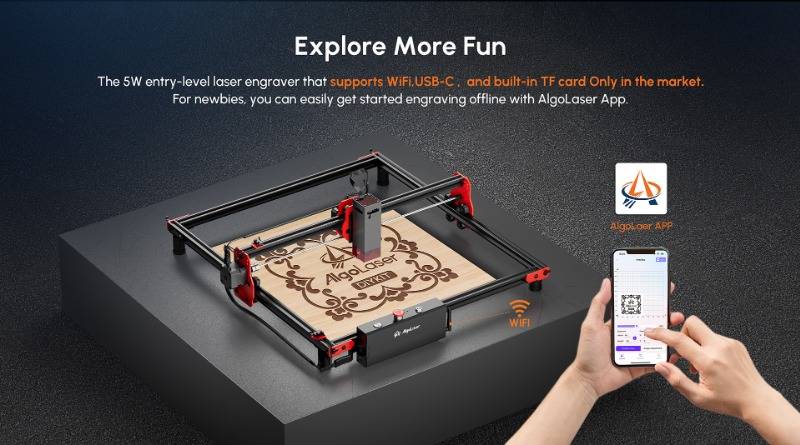
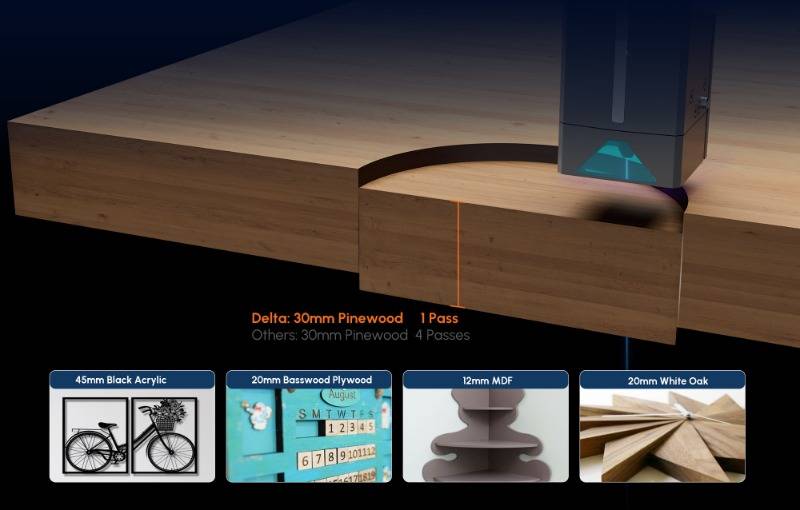
Invest in a reliable laser engraver, such as a diode laser engraver or desktop laser cutting machine. Offering a range of options catering to different needs and skill levels, these machines enable custom engraving, vector engraving, and detailed wood etching. Consider the power, engraving resolution, and cutting precision when selecting your laser engraver.
Design Software
Equip yourself with design software like Adobe Illustrator or Inkscape. These tools will be your creative playground, allowing you to conceptualize and refine your game board's design using vector files, SVG designs, and laser-ready artwork.
Safety Gear
Before diving into the creative process, prioritize safety. Acquire safety goggles and proper ventilation equipment to protect yourself from potential hazards during the laser engraving process, including smoke, fumes, and material burn-off particles.
Ideas for Wood Laser-Engraved Board Game Projects
Now that you have your tools and materials in place, let's explore exciting ideas to spark your creativity in custom board game design:
Classic Games with a Twist
Give traditional games like chess, checkers, or backgammon a fresh perspective using laser engraved game boards. Add intricate engravings, engraved grid layouts, unique game pieces, or personalized touches to reinvent these timeless classics.
Themed Adventures
Design a board game inspired by your favorite book, movie, or historical period. The laser engraver allows you to incorporate detailed engraving patterns, custom illustrations, and engraved textures, enhancing the overall gaming experience.
Educational Games
Combine fun and learning by creating an educational board game. Reinforce math, language, or historical concepts through engaging gameplay and interactive design elements. Use laser-engraved illustrations and engraved icons to make the learning experience visually appealing.
Customizable Games
Develop a game that allows players to customize their boards or game pieces. Laser engrave spaces that can be modified, creating a dynamic and ever-changing gaming experience with modular board design and interchangeable components.
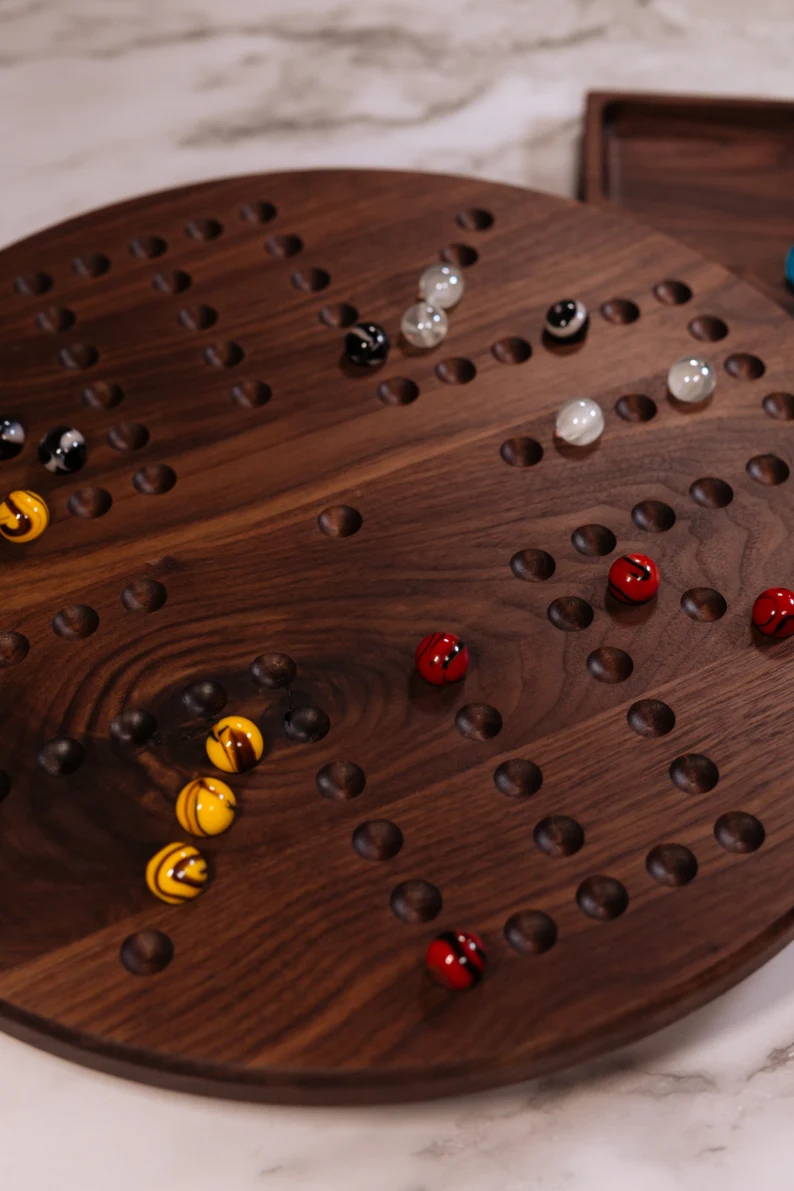
image credit: basicallyperfectca - Etsy
How to Design a Board Game
Designing a board game involves a thoughtful process to ensure a seamless blend of creativity and functionality. Follow these steps to bring your vision to life:
Conceptualization
Begin by defining the theme, rules, and objectives of your game. Consider the number of players, the duration of the game, and the overall experience you want to create with your custom tabletop game.
Sketching
Take your ideas from the abstract to the tangible by sketching the layout of your game board. Map out spaces, paths, and any other essential features on paper before transitioning to digital board game design.
Digital Design
Transfer your sketches into digital format using vector design software. This step allows you to add finer details, adjust dimensions, and perfect your layout before moving on to laser engraving preparation.
Laser Engraving Integration
Identify areas of your design that would benefit from laser engraving. Whether it's intricate patterns, illustrations, or personalized touches, the laser engraver can add a professional and artistic touch through engraved detailing, burn depth control, and precision etching.
Process of Laser Cutting
The process of laser cutting is where the magic truly happens. Let's break down the steps to transform your digital design into a tangible wooden board game using laser cutting technology:
Wood Preparation
Cut your chosen wood into the desired size and shape for your game board. Ensure the surface is smooth and free from imperfections to achieve optimal engraving quality and cutting accuracy.
Import Design into Laser Engraver Software
Load your digital design into the laser engraver's software. Adjust settings such as laser power, engraving speed, and resolution settings based on the type of wood you're using. This step is crucial for achieving the desired level of engraving precision.
Calibrate the Laser Engraver
Before commencing the engraving process, calibrate the laser engraver to ensure precise cutting and engraving. Proper laser calibration ensures accurate engraving alignment and consistent results.
Test Run
Conduct a test run on a small piece of wood to fine-tune settings and make any necessary adjustments. This step allows you to identify and rectify potential issues before engraving your final board using material testing techniques.
Laser Engraving
Once satisfied with the test run, proceed to laser engrave your wooden board. Monitor the process to ensure the laser is cutting and engraving as expected, delivering clean engraving lines, consistent burn marks, and detailed artwork reproduction.
Finishing Touches
After the laser cutting is complete, inspect your board for any remaining imperfections or rough edges. Use sandpaper to achieve a smooth finish, and apply a sealant or varnish to protect the wood and enhance its aesthetic appeal through wood finishing techniques.
Expanding Your Craft: Advanced Techniques and Tips
Now that you've successfully crafted your wooden board game, let's delve into advanced techniques and additional tips to elevate your craftsmanship:
Layered Designs
Experiment with layered designs to add depth and complexity to your game board using multi-layer laser cutting. Utilize the laser engraver to cut different layers of wood and assemble them for a 3D wooden board game effect.
Inlay and Outlay
Incorporate inlay and outlay techniques to enhance specific elements of your game board. This involves cutting into the wood for a recessed effect or creating raised areas, adding texture engraving and visual contrast.
Custom Game Pieces
Extend your creativity to the game pieces by designing laser cut tokens, engraved meeples, or custom wooden pieces that align with your game's theme.
Personalized Player Boards
If your game involves individual player boards, personalize each one with engraved names, custom graphics, and resource tracking layouts for a more immersive experience.
Wood Combination
Experiment with different wood types and combinations to introduce contrasting colors and textures, creating multi-tone wooden designs and decorative engraving effects.
Integrate Technology
Consider integrating technology into your wooden board game. Use the laser engraver to create spaces for electronic components, such as LED lights or sensors, adding interactive game features and smart board design elements.
Community Collaboration
Engage with the creative community. Share your designs, seek feedback, and draw inspiration from others who share a passion for laser engraving projects and DIY board game creation.
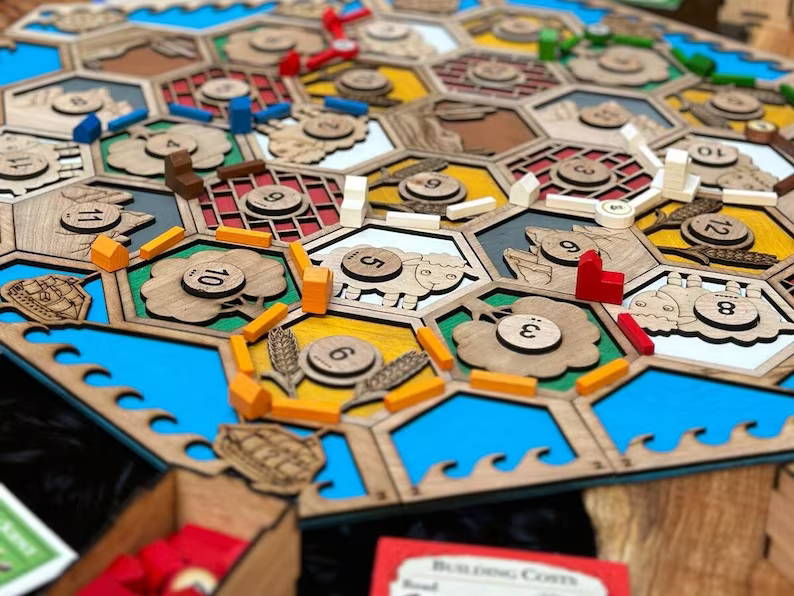
image credit: EchoRidgeFarms - Etsy
Maintenance and Care Tips
Preserving the longevity and aesthetic appeal of your wooden board game is essential. Here are some maintenance and care tips to keep your creation in top-notch condition:
Avoid Direct Sunlight
Prolonged exposure to direct sunlight can cause the wood to fade. Store your wooden board game in a cool, shaded area to maintain its vibrant colors and engraved detail clarity.
Regular Cleaning
Dust and debris can accumulate on the surface of your game board. Gently clean it with a soft, lint-free cloth to preserve the laser-engraved surface and avoid scratches.
Protective Coating
Consider applying a protective coating, such as clear varnish, to shield the wood from potential damage and enhance engraving contrast.
Handle with Care
When transporting or storing your wooden board game, handle it with care to prevent scratches or dents, especially on engraved surfaces.
Temperature and Humidity Control
Wood can expand or contract based on environmental changes. Store your game board in a stable environment to minimize the risk of warping or cracking and maintain material integrity.
Conclusion
Crafting a wooden board game with a laser engraver is a fulfilling endeavor that combines artistry, digital fabrication, and strategic thinking. Your unique creation not only serves as a source of entertainment but also reflects your passion for DIY craftsmanship, laser engraving design, and custom woodworking projects.
Whether you're a seasoned artisan or a novice enthusiast, the journey of creating wooden board games is a continuous learning process within the world of laser cutting and engraving. Embrace the challenges, celebrate the successes, and most importantly, savor the moments of joy and connection your creation brings to those who experience it.
Free SVG & Gcode Files for Laser Engraving & Cutting can be found here, wich you can import into our laser cutters directly.


